
Tutorials
Find answers to commonly asked questions below, or contact us for more help.
Click on any topic below to view step-by-step instructions
Contact Us
Version:
How do I create an account?
Set up your GrazePro account in minutes

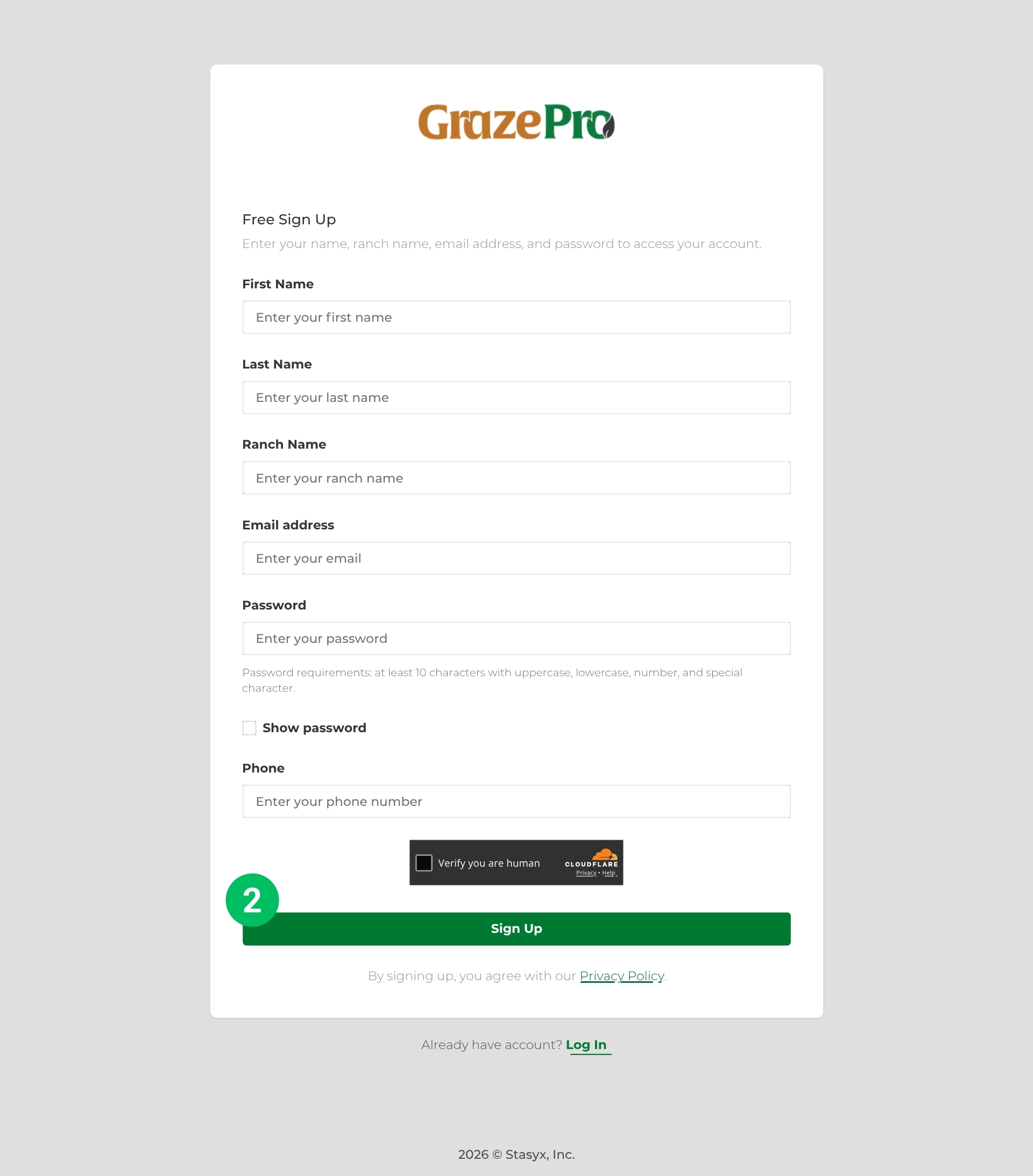
Step 1
Step 2
Step 3
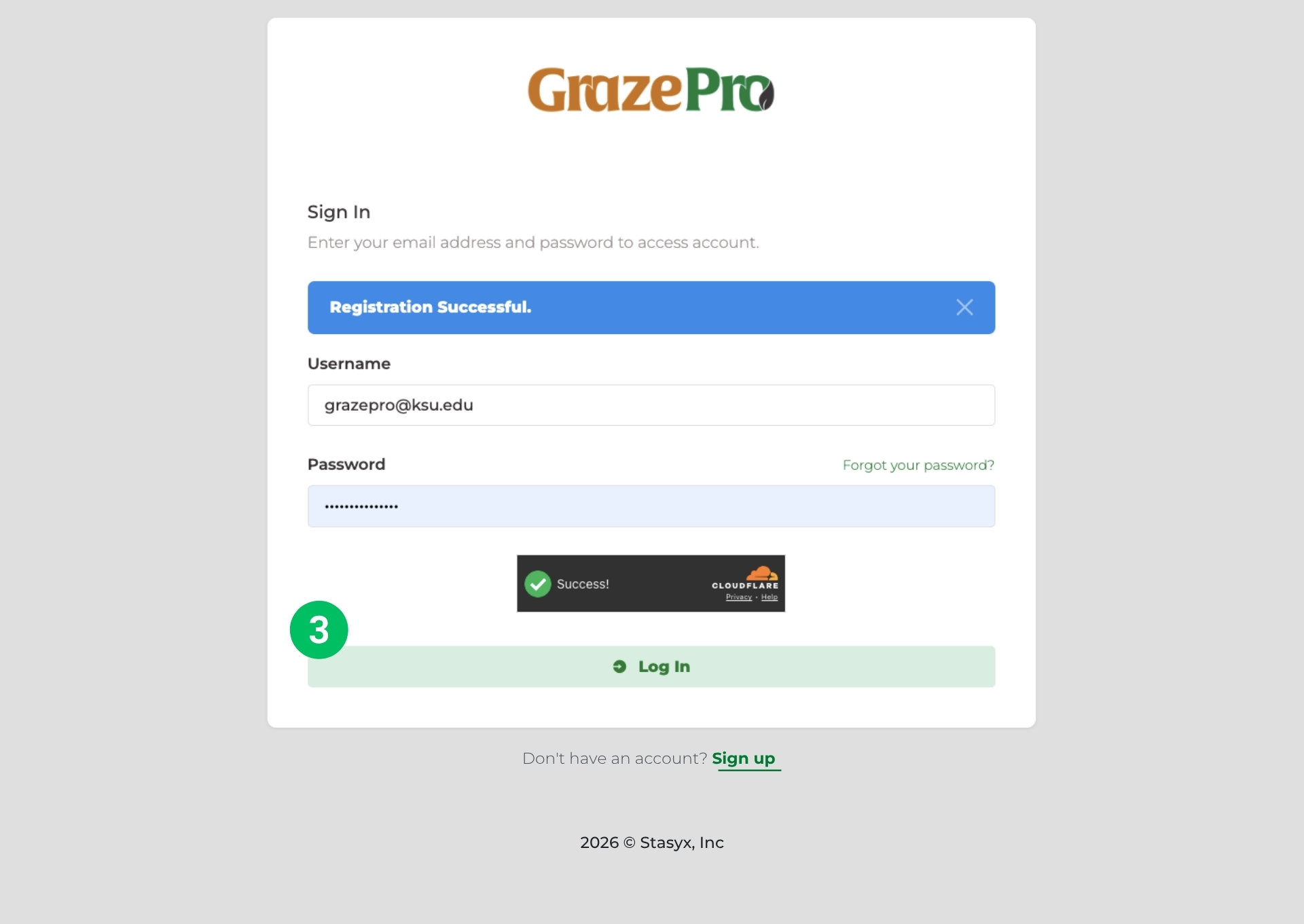
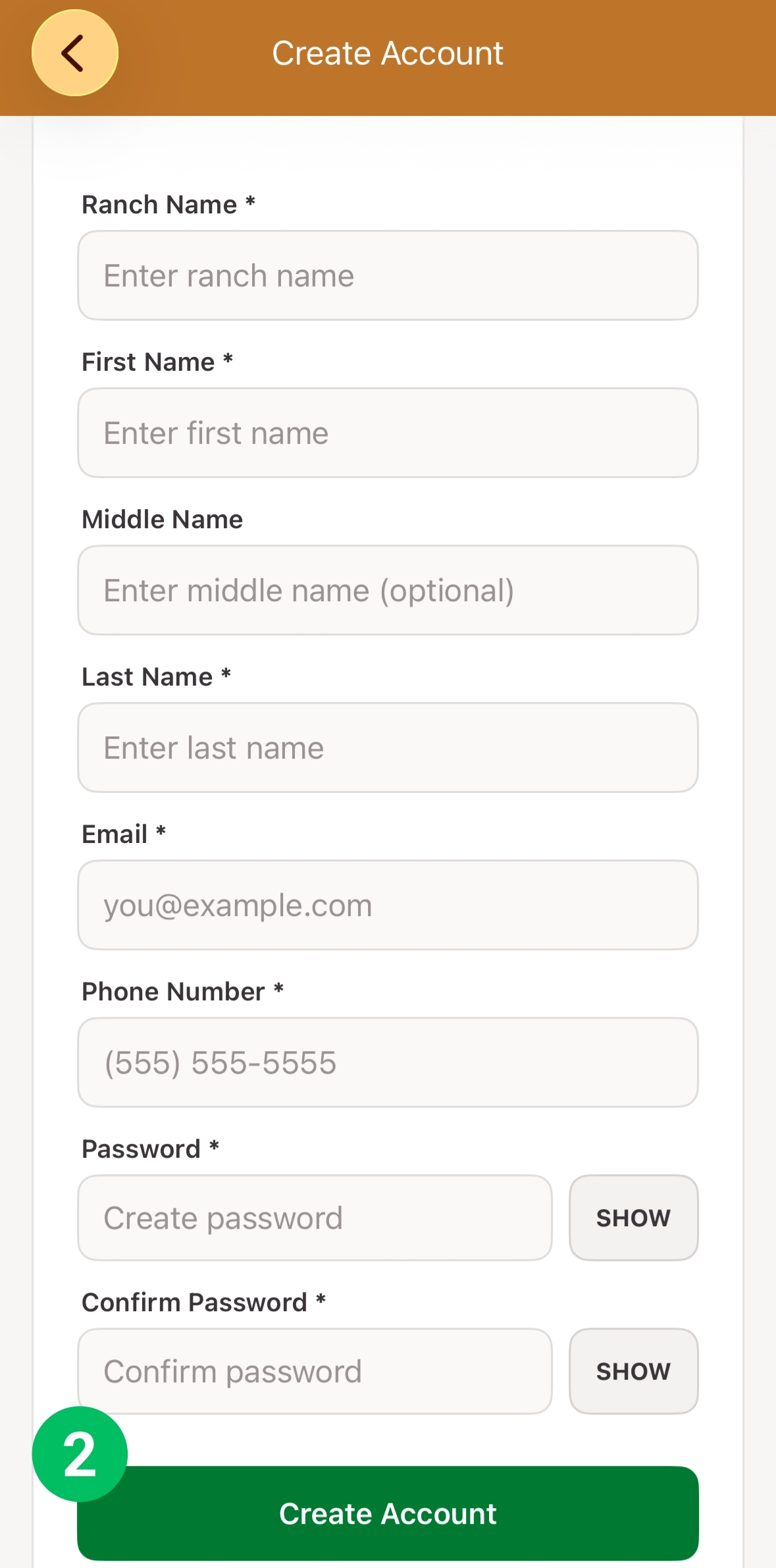
- Navigate to the bottom of the page and click the green, highlighted "Sign Up", or follow this link Free Sign Up.
- Input your first name, last name, ranch name, email address, password and phone number. Click "Sign Up" to finish.
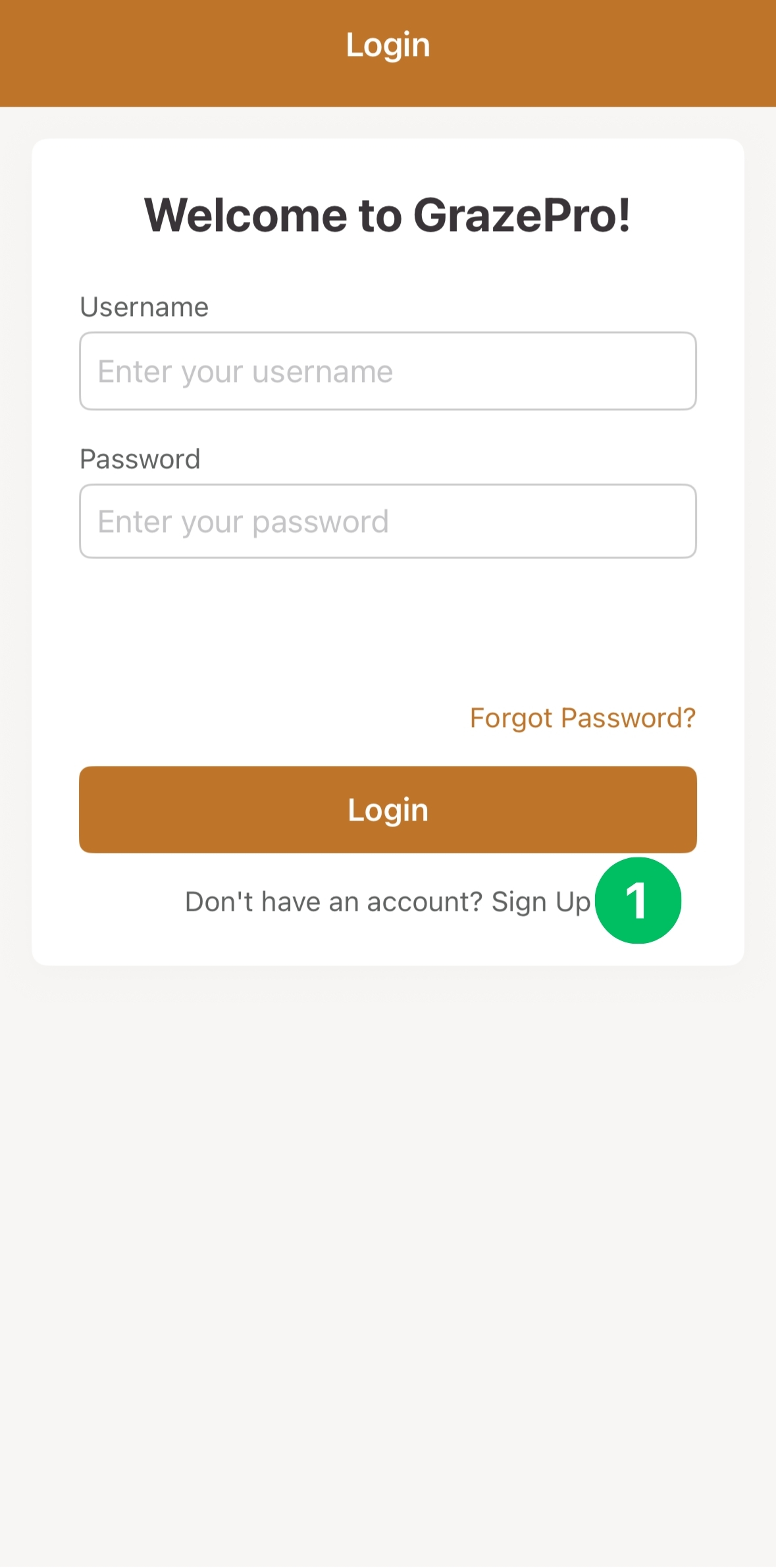
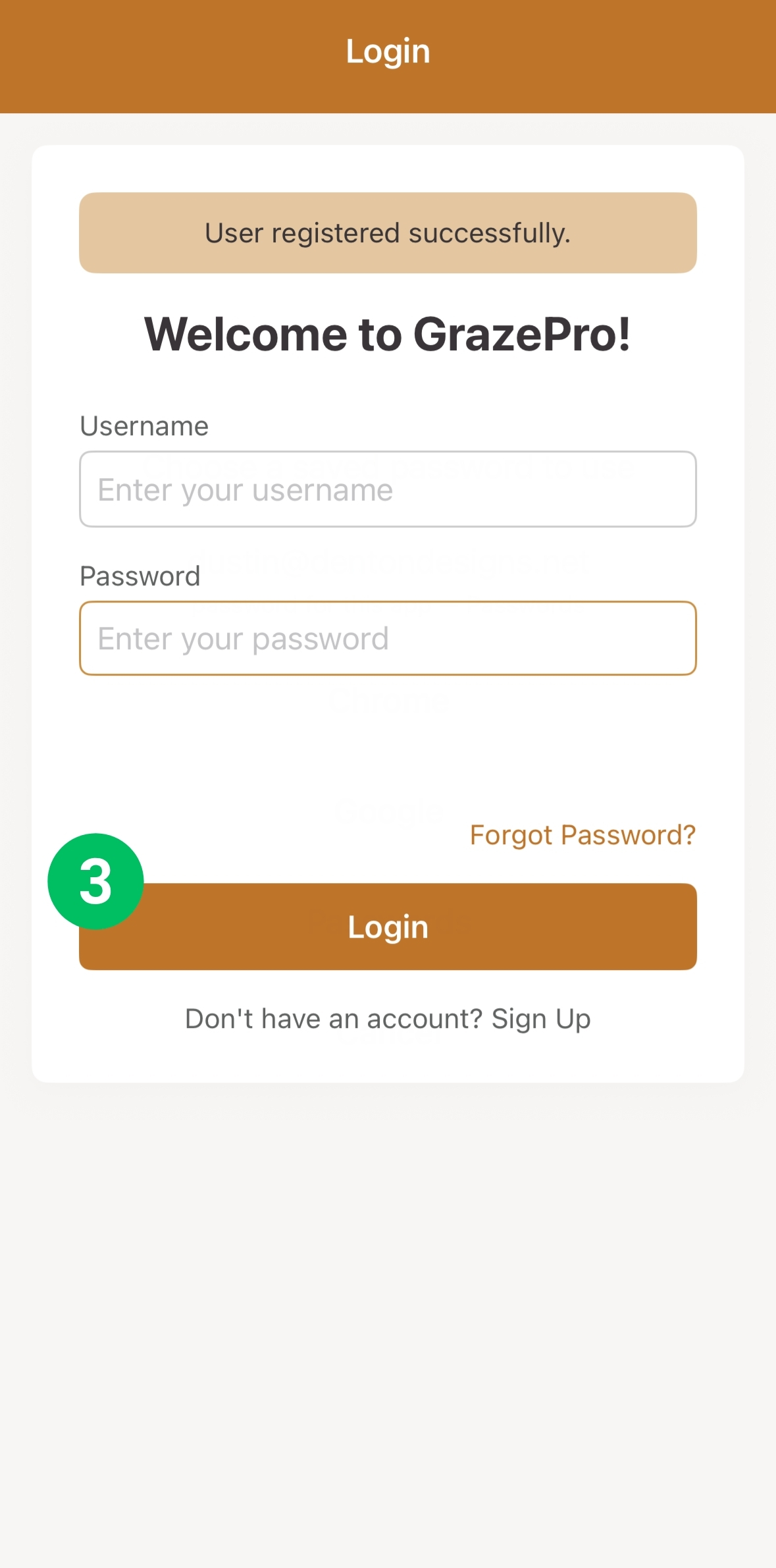
- "Registration Successful" will appear in a blue box. Enter your newly created credentials and "Log In."
How do I create a herd?
Distinguish groups of cattle
Step 1
Step 2
Step 3
Step 4
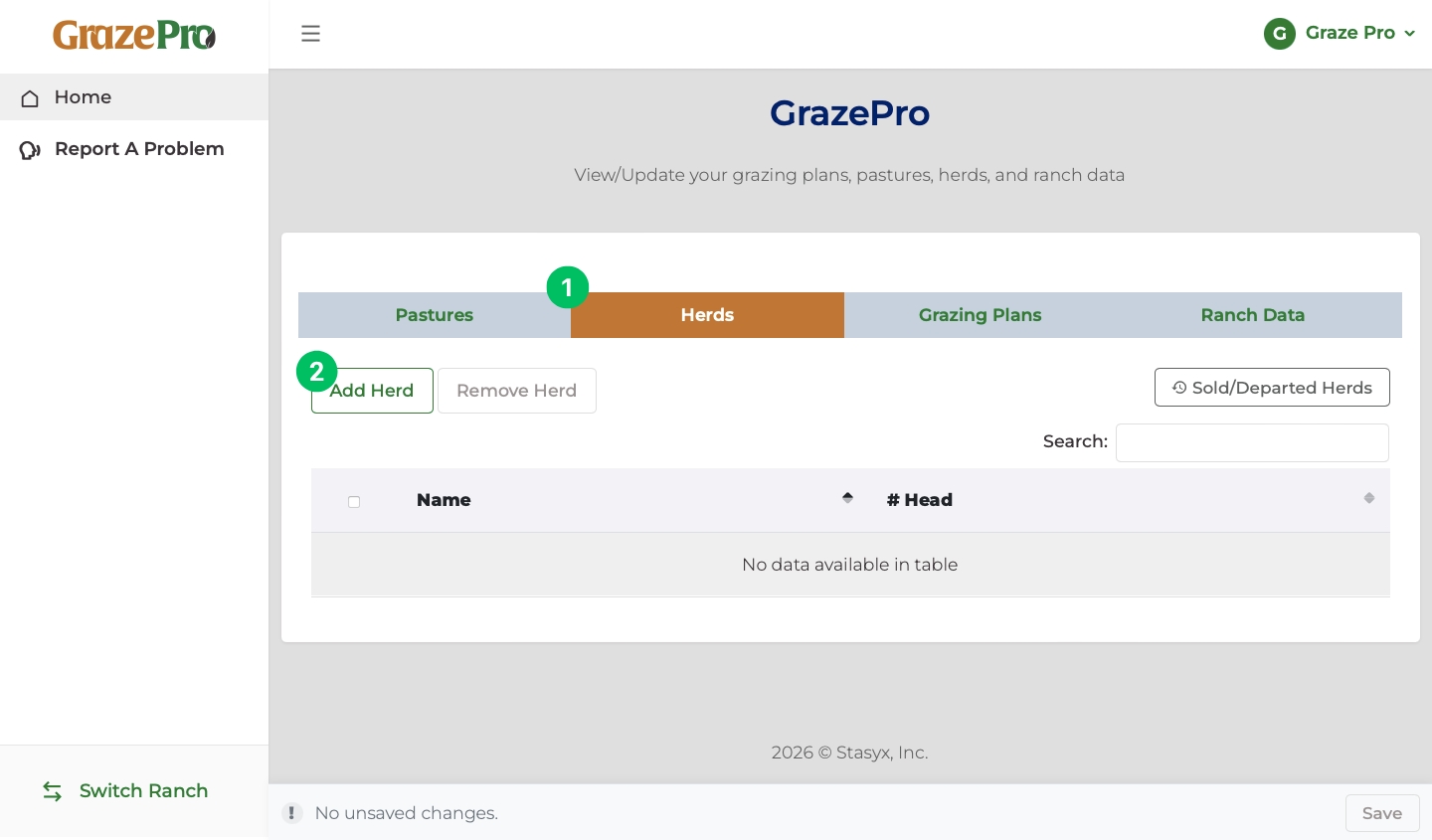
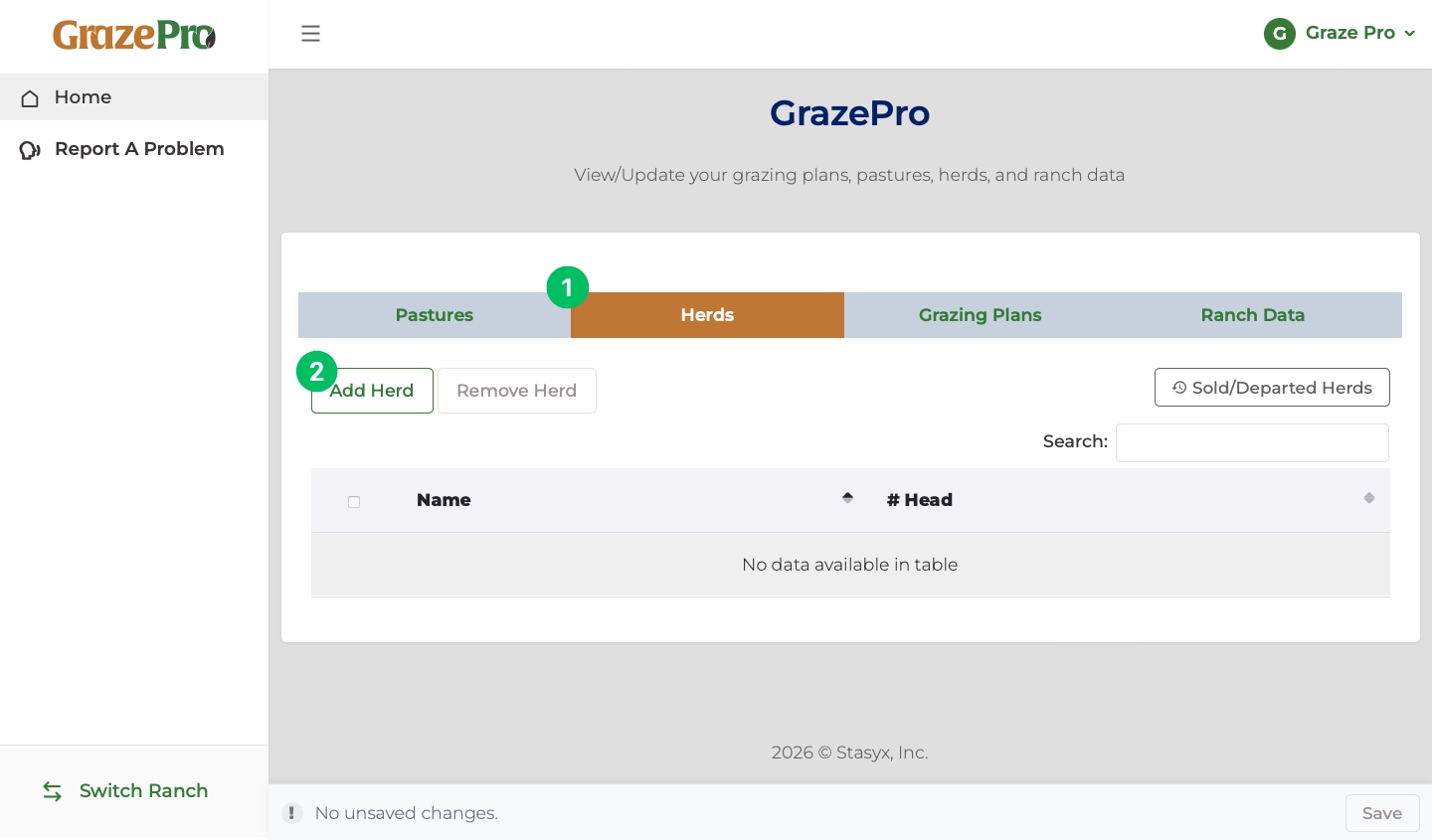
- To begin creating a herd, click on "Herds" in the grey header.
- Once "Herds" is highlighted in orange, click "Add Herd".
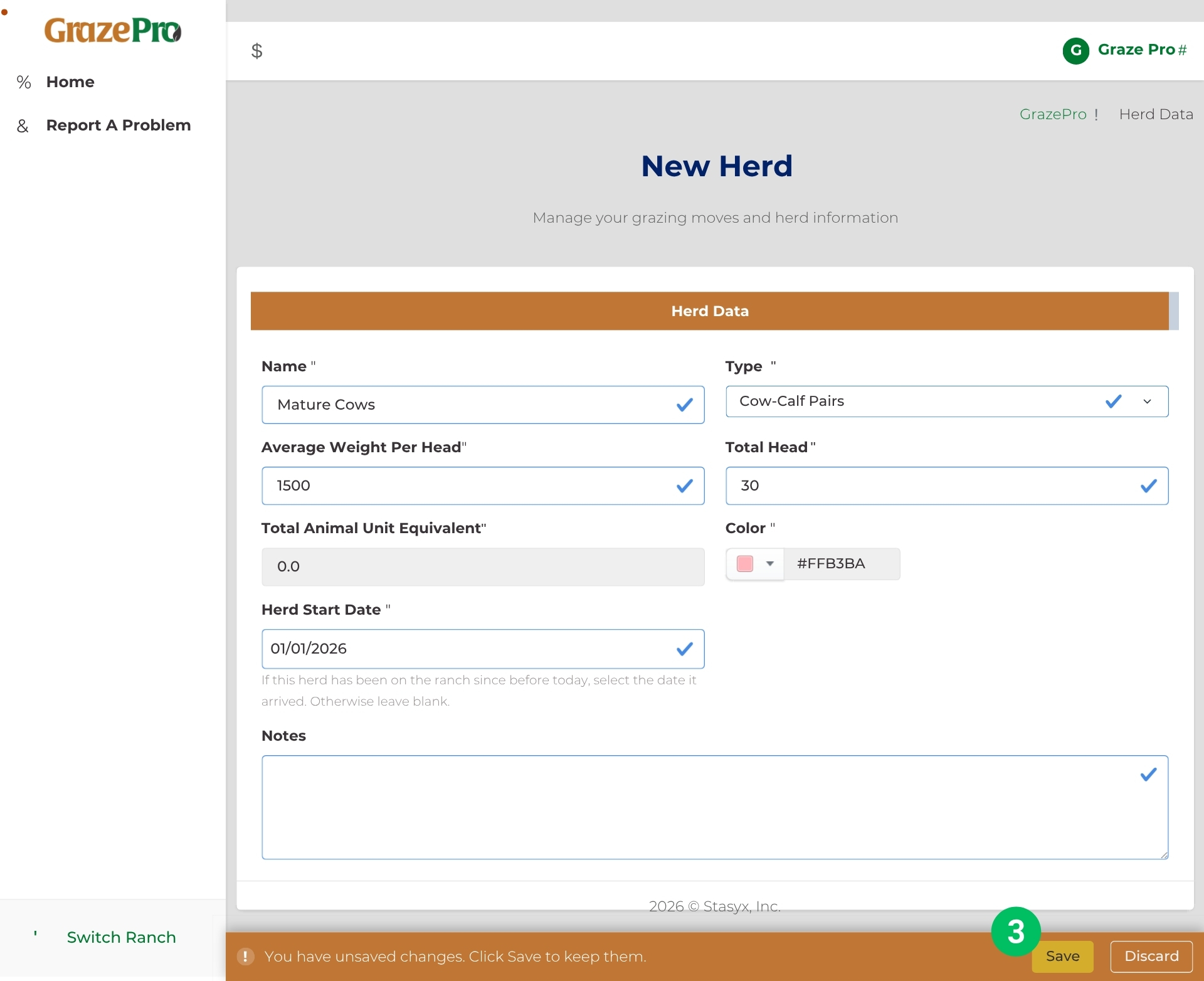
- In the new window, enter the herd's information including: name, type, average weight per head, total head, and when the herd first appeared on the ranch. A customizable color and additional notes can also be entered for each herd. Finally, select "Save" at the bottom of the screen to finish setting up the herd.
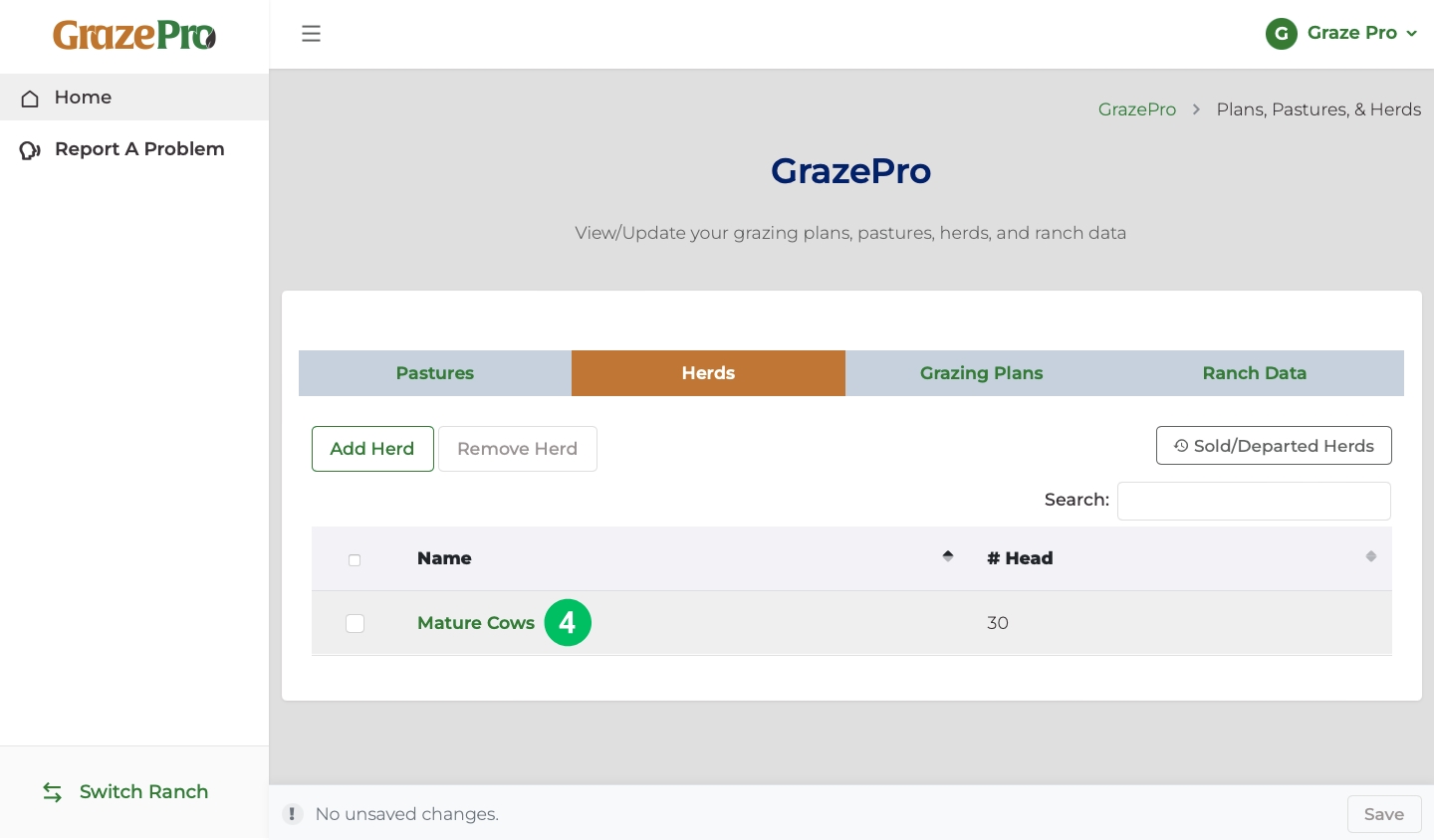
- After clicking "Save", the herd should appear in a list under the "Herds" tab. To edit any details, click on the name of the herd highlighted in green.
How do I create a pasture?
Identify pasture details
Step 1
Step 2
Step 3
Step 4
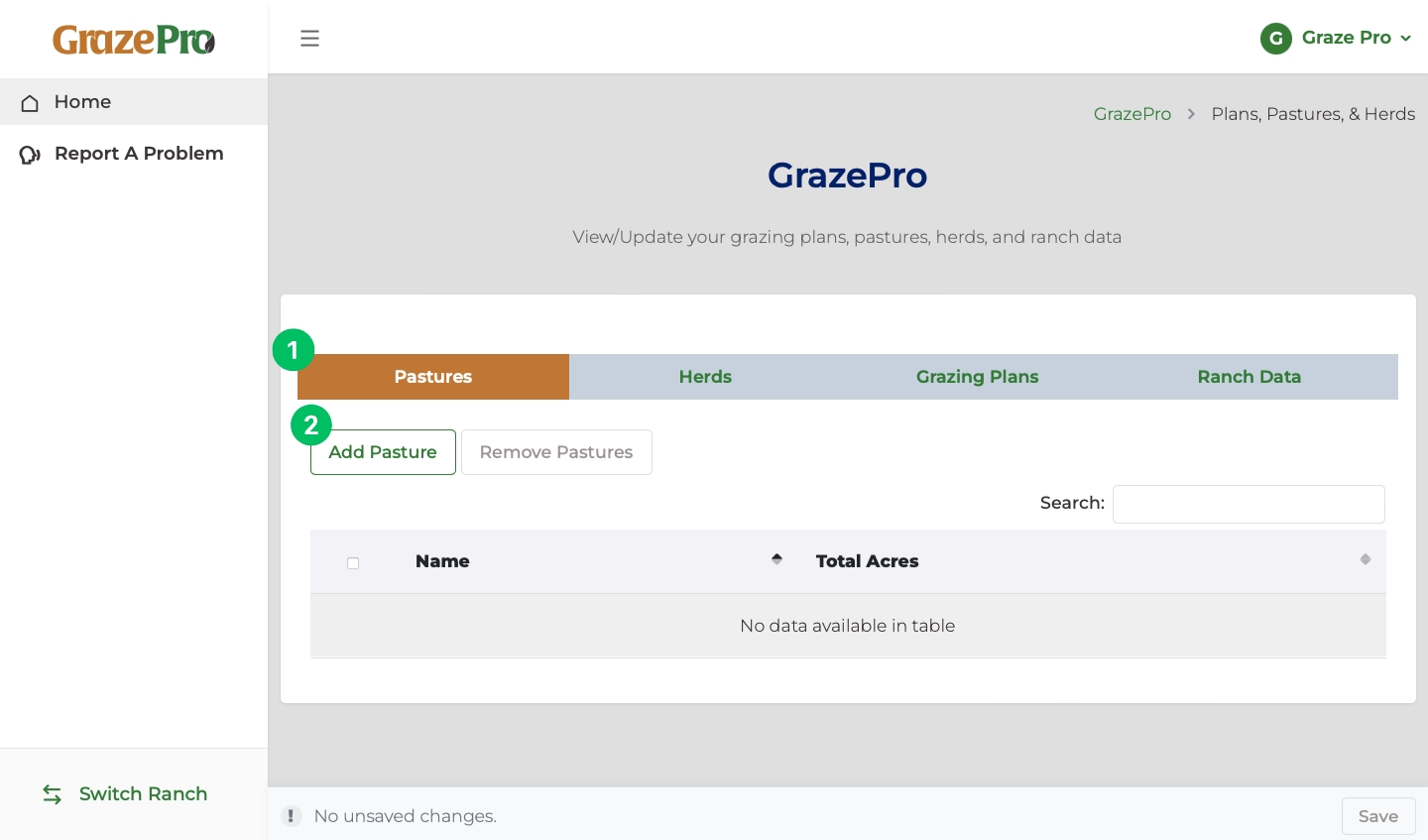
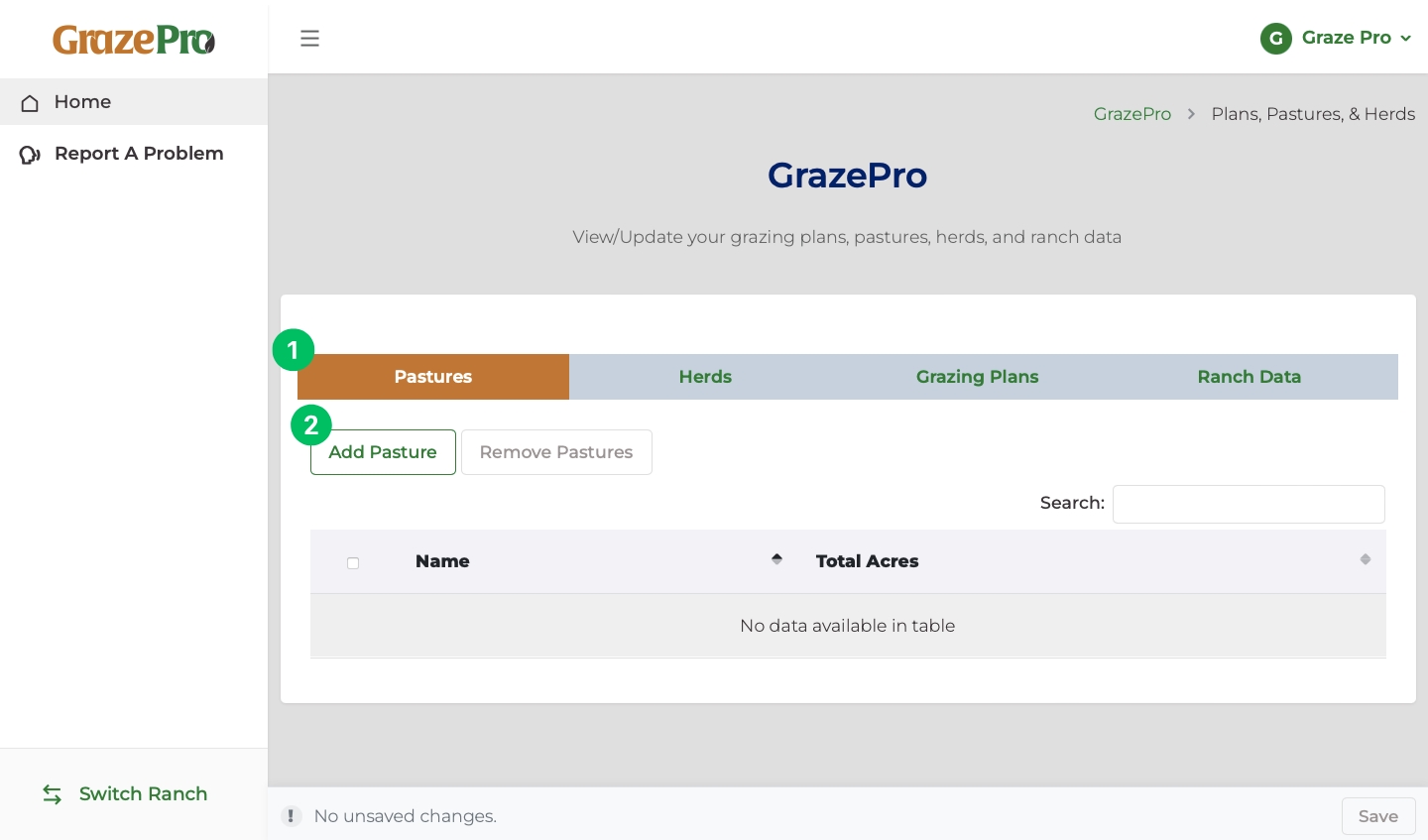
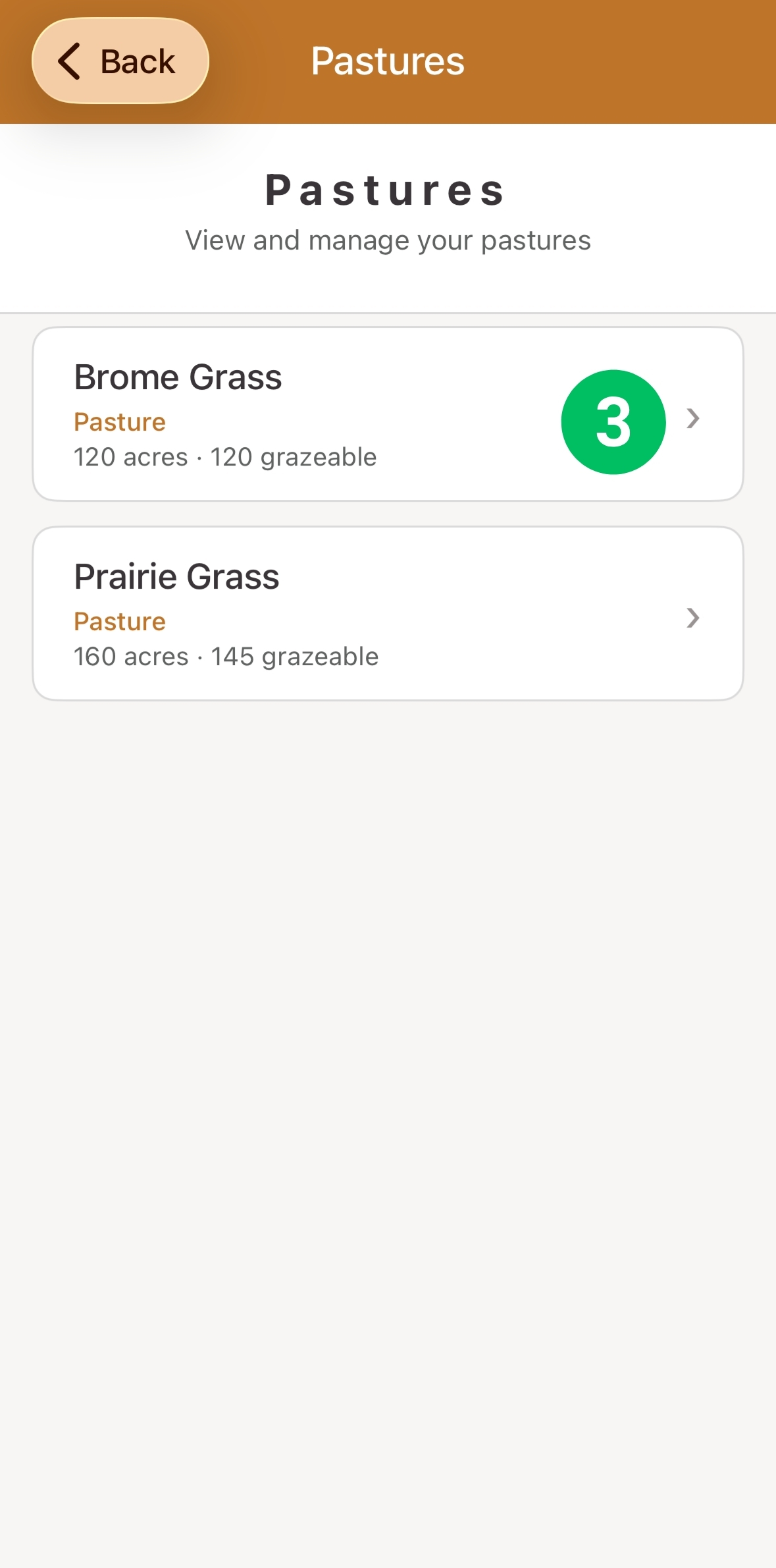
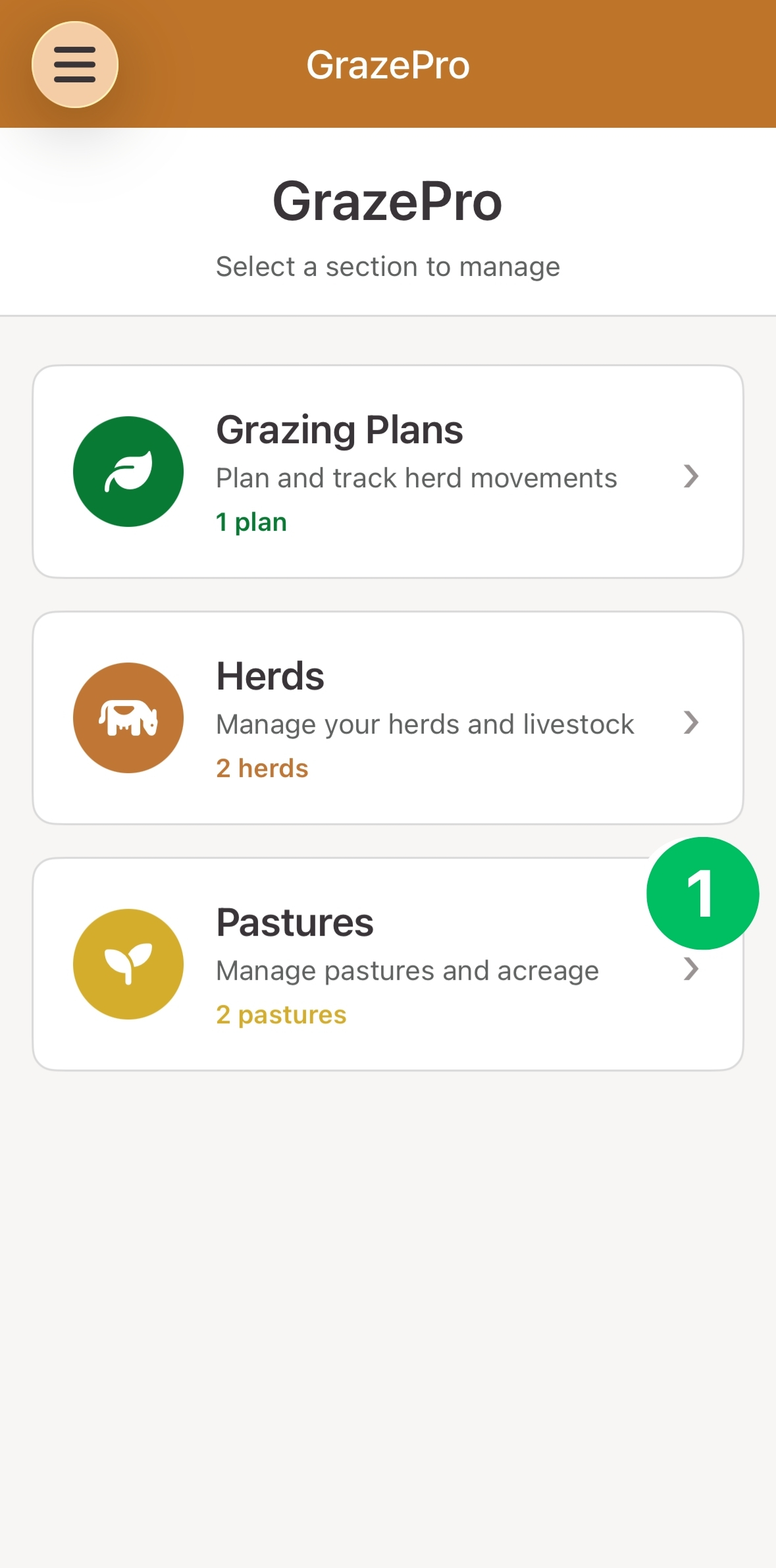
- To begin creating a pasture, click on "Pastures" in the grey header.
- Once "Pastures" is highlighted in orange, click "Add Pasture".
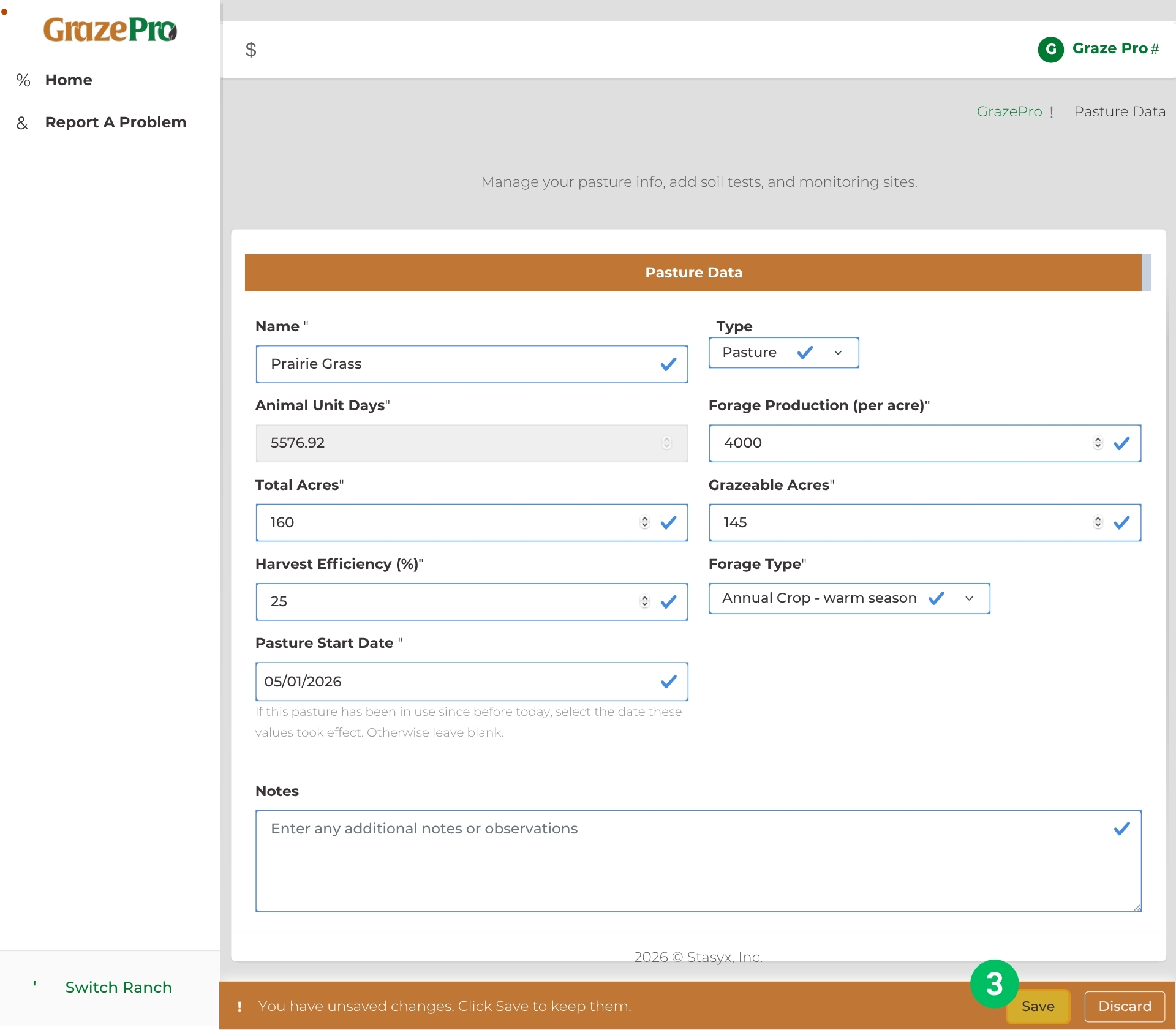
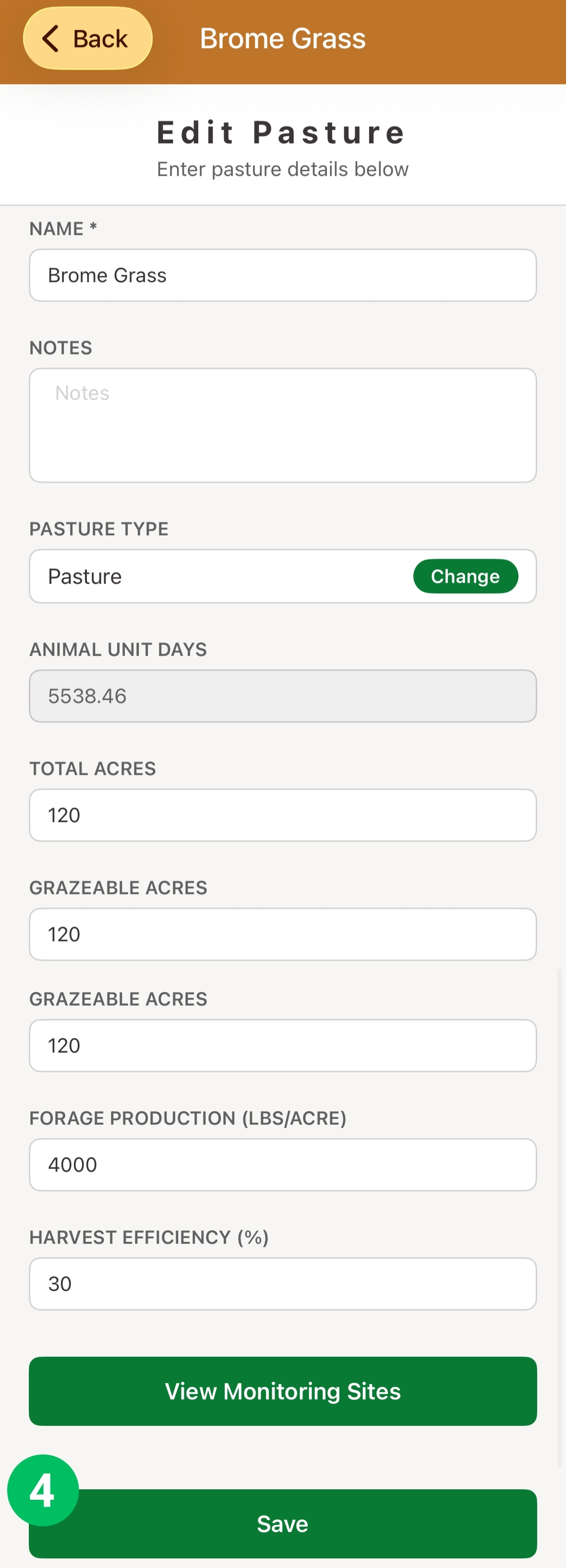
- In the new window, enter the pasture information including: name, type, forage production, total acres, grazeable acres, harvest efficiency, forage type, and the pasture start date. Additional notes can also be entered for each pasture. Finally, select "Save" at the bottom of the screen to finish setting up the pasture.
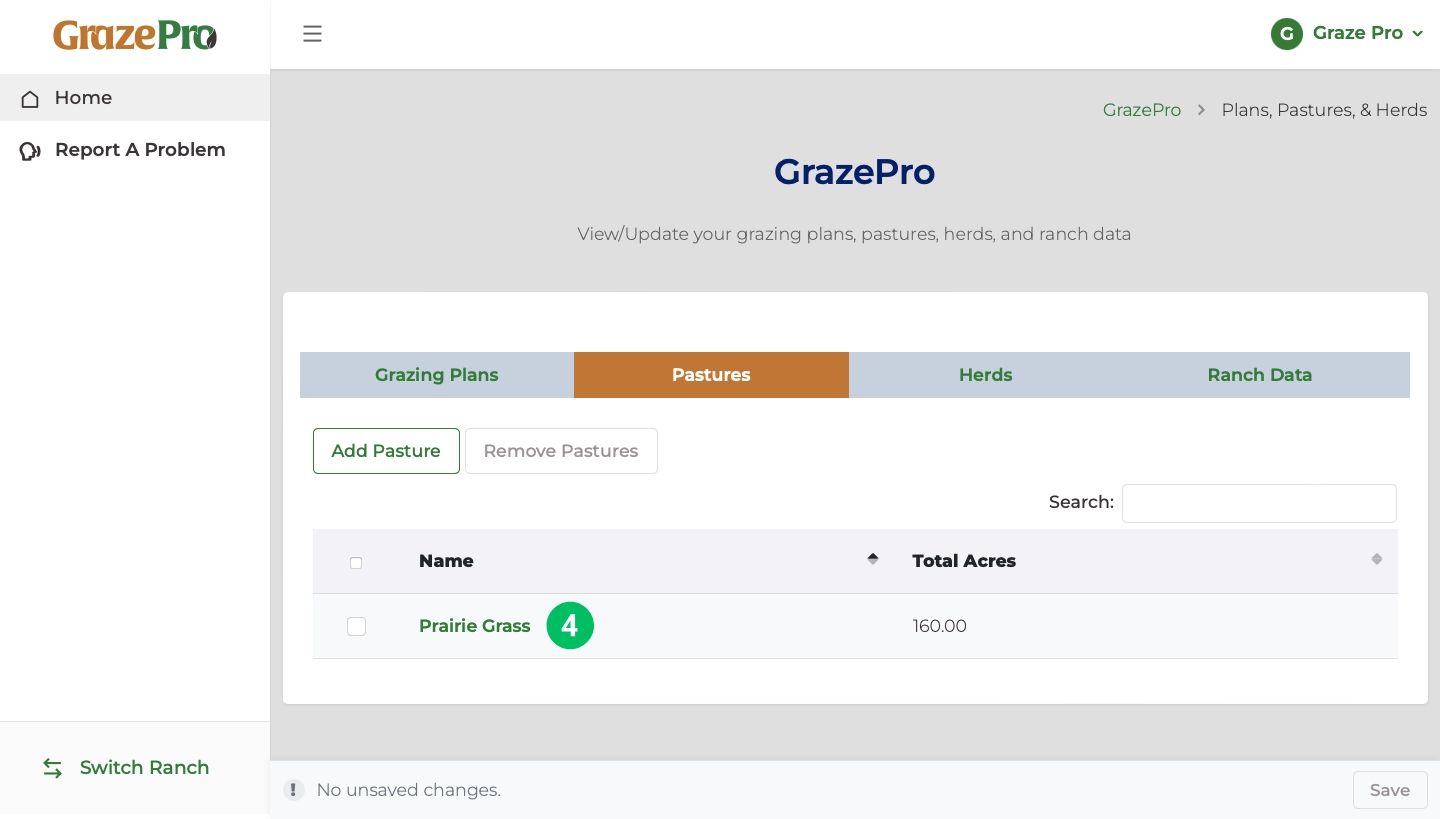
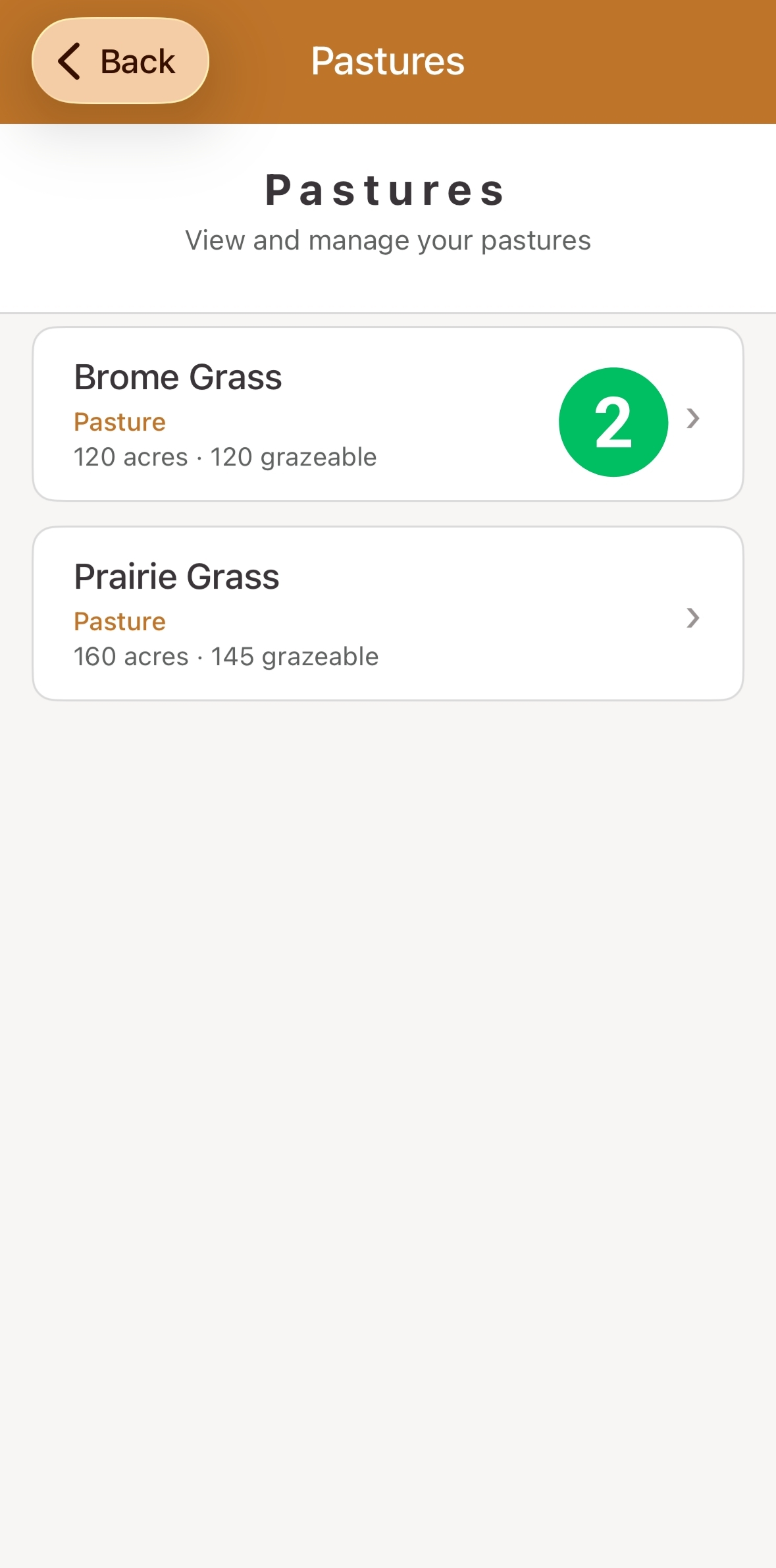
- After clicking "Save", the pasture should appear in a list under the "Pastures" tab. To edit any details, click on the name of the pasture highlighted in green.
How do I create a grazing plan?
Manage pasture usage and rotations
Step 1
Step 2
Step 3
Step 4
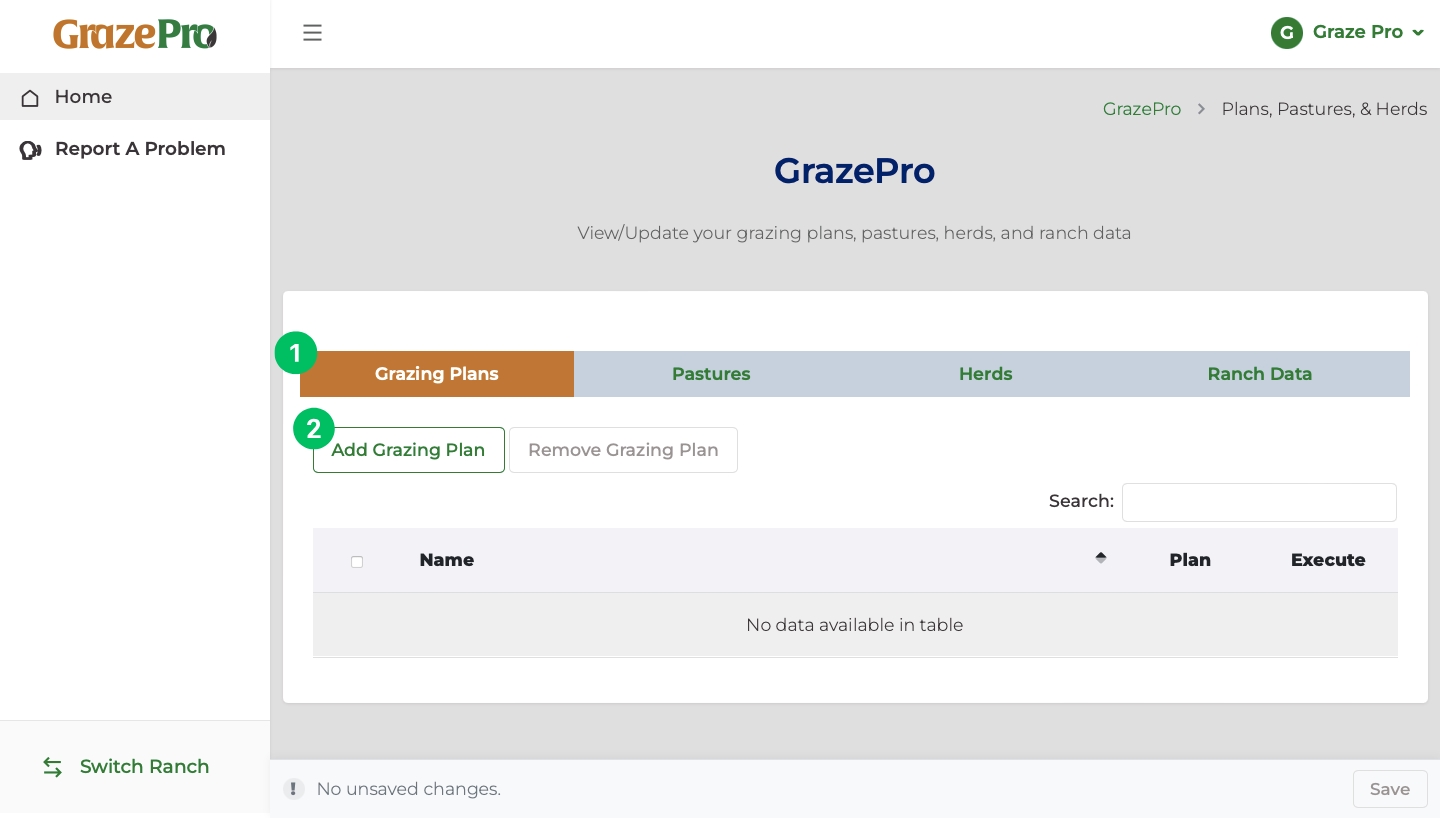
- To begin creating a grazing plan, click on "Grazing Plans" in the grey header.
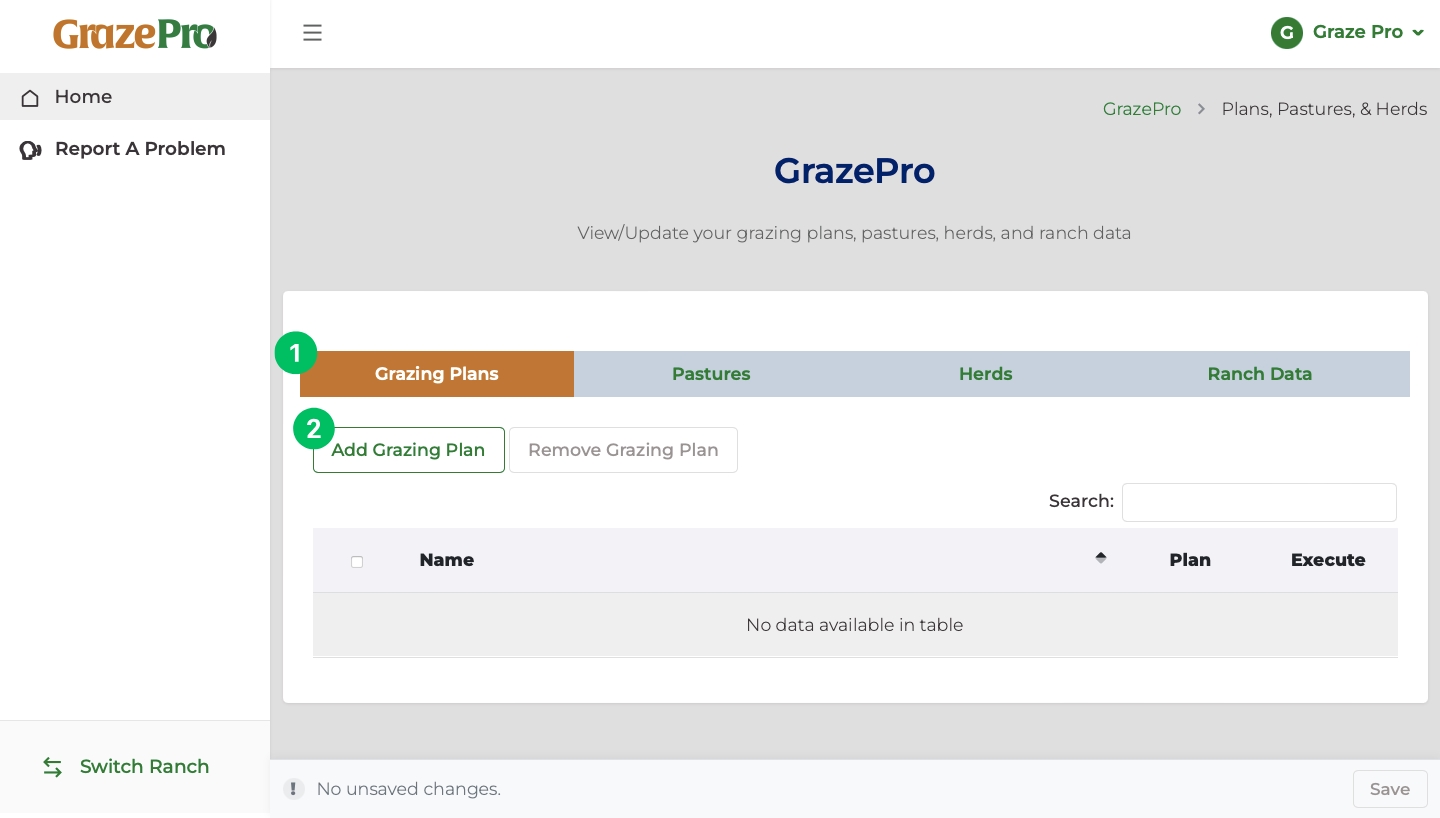
- Once "Grazing Plans" is highlighted in orange, click "Add Grazing Plan".
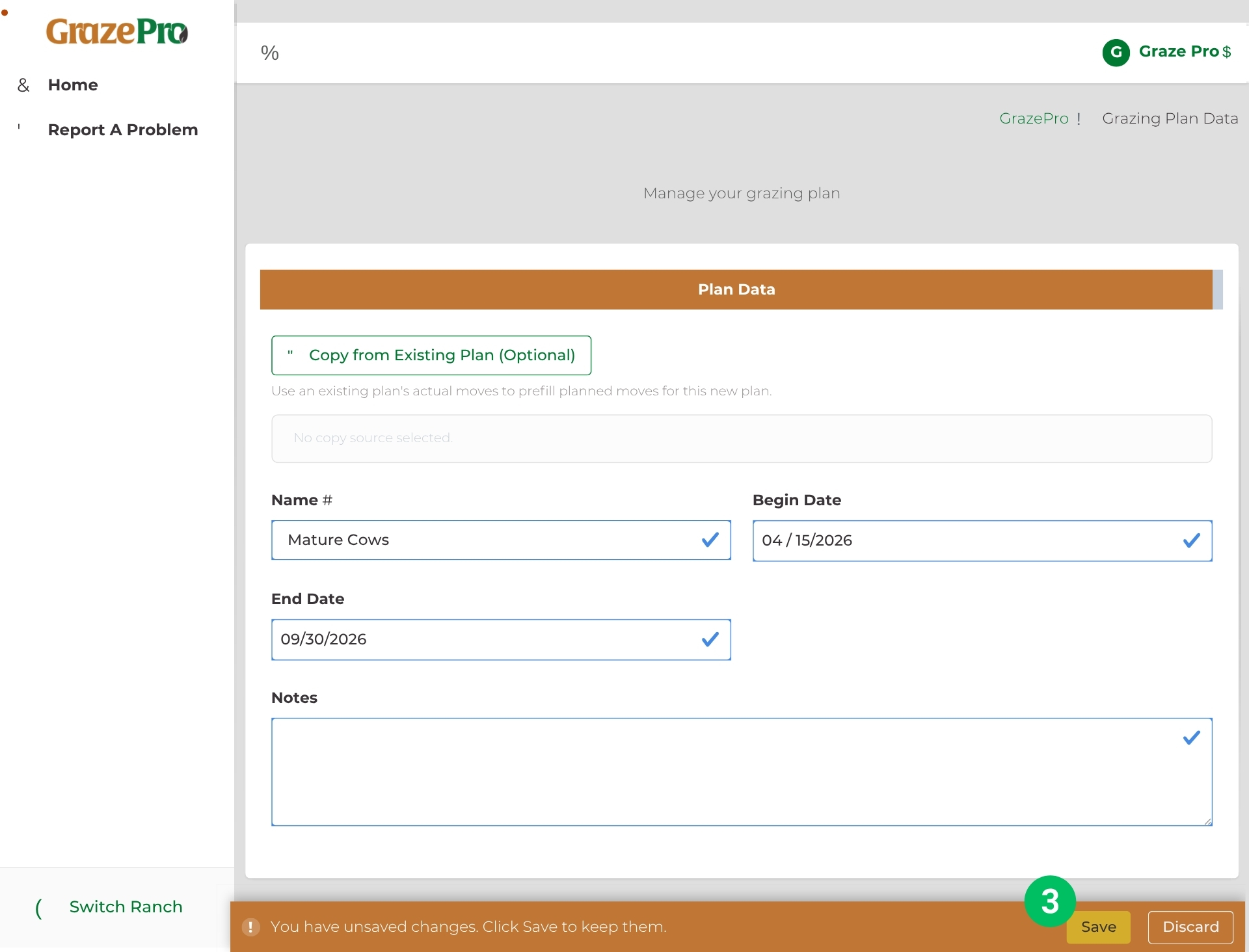
- In the new window, enter the grazing plan information including: the name of the grazing plan, beginning date, and end date. Additional notes can also be entered for each grazing plan. Finally, select "Save" at the bottom of the screen to finish setting up the grazing plan.
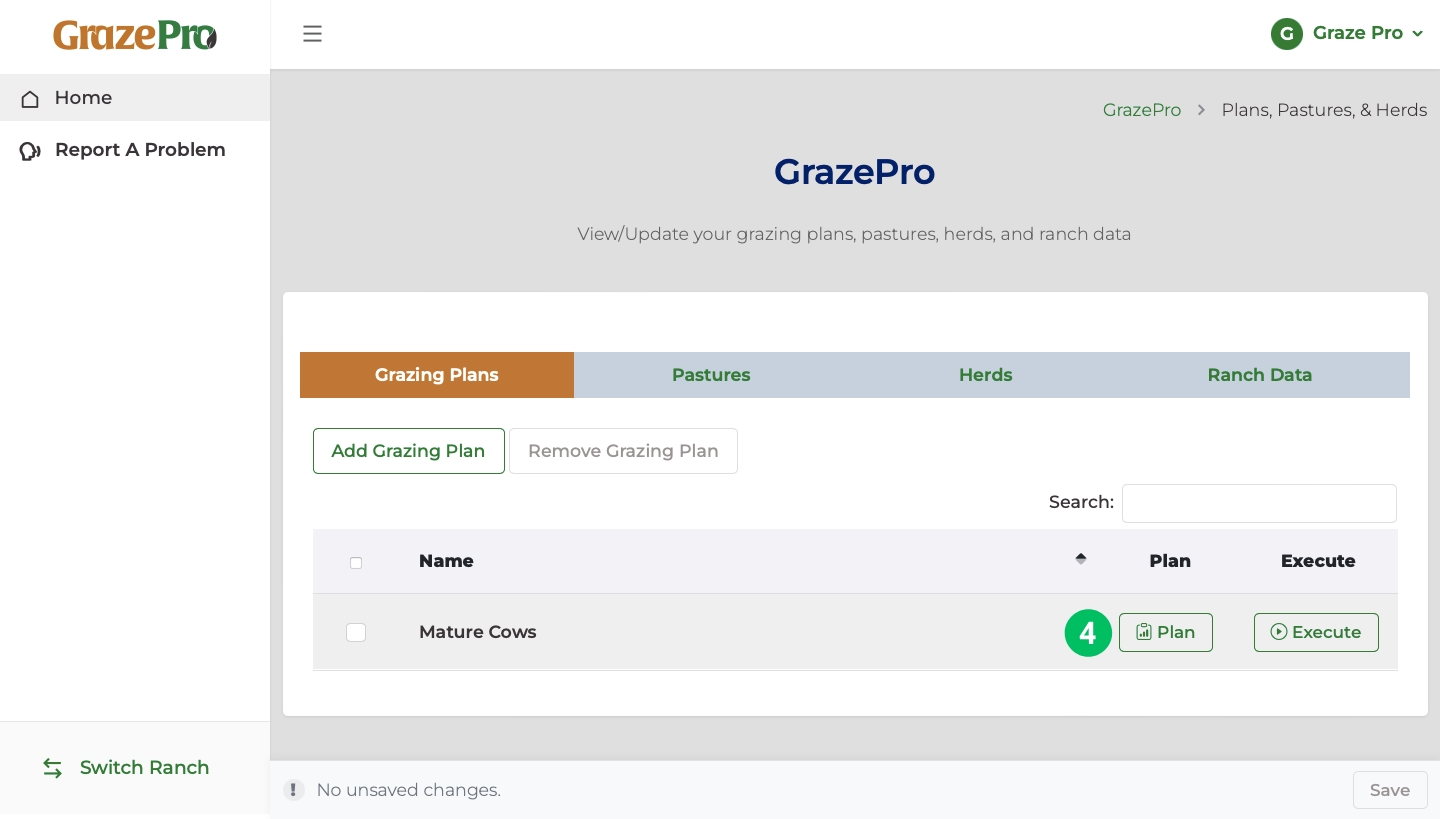
- After clicking "Save", the name should appear in a list under the "Grazing Plans" tab. Click on "Plan" to design your grazing plan.
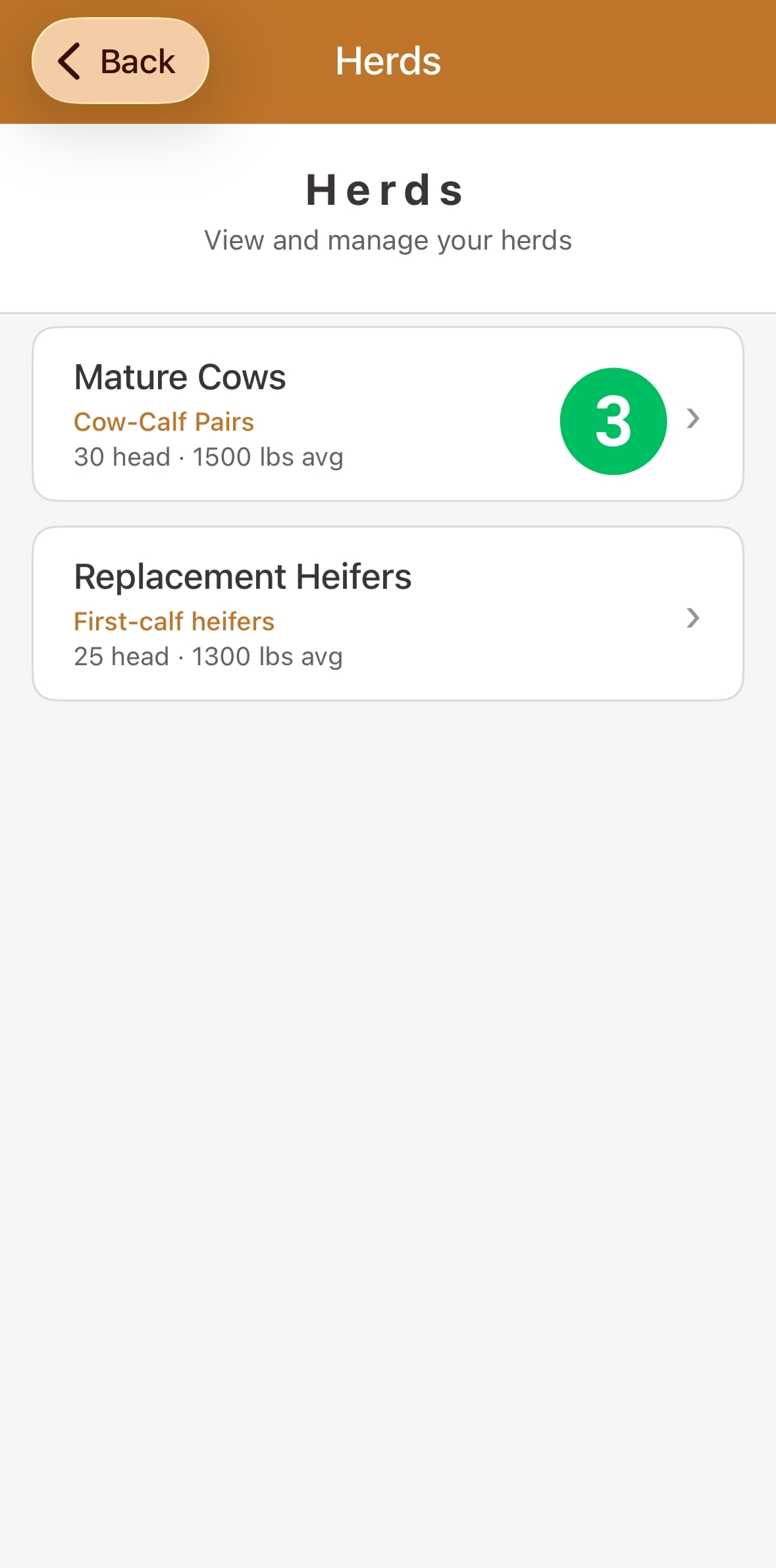
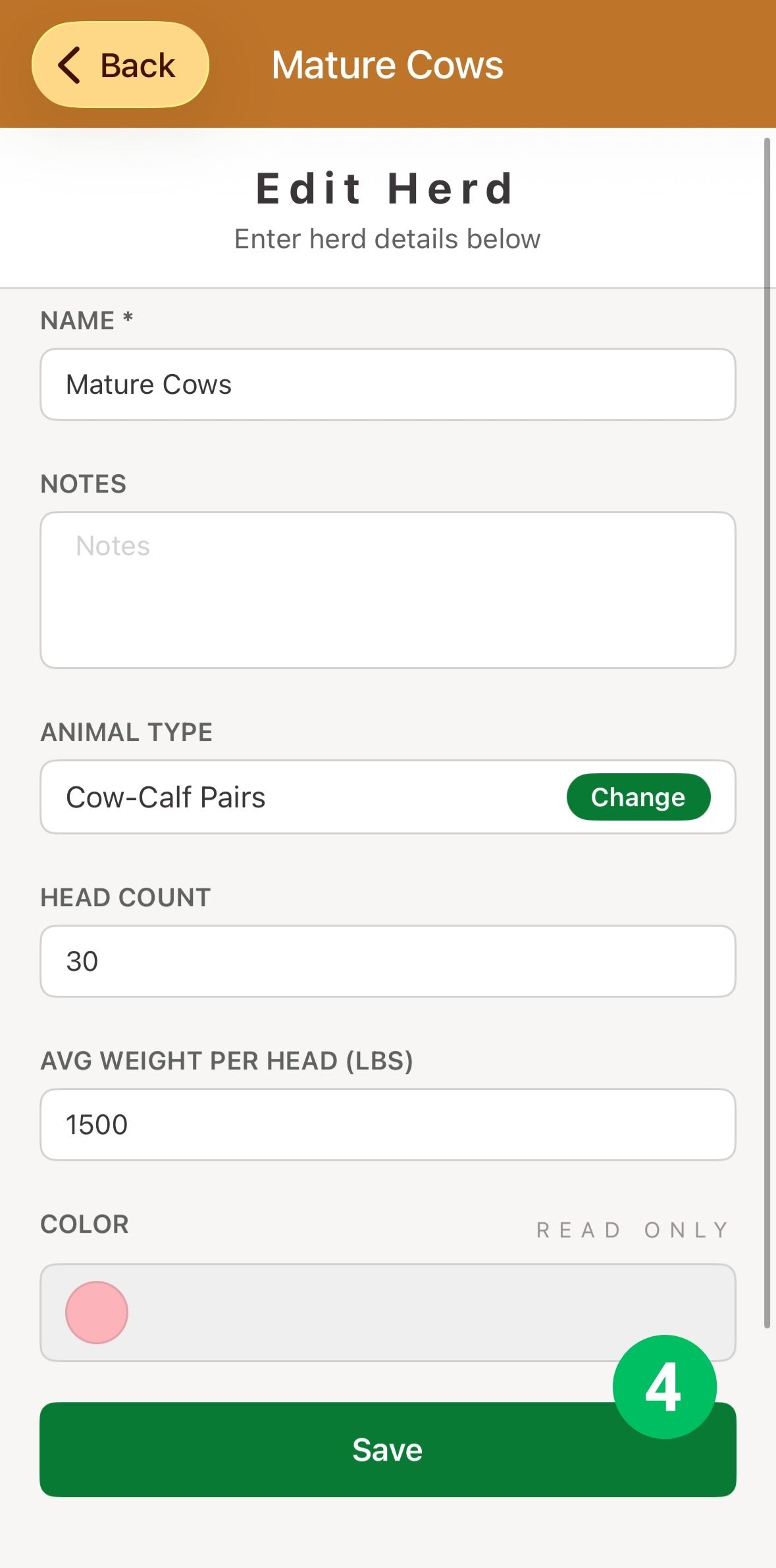
How do I manage my herds?
Edit herd details
Step 1
How do I manage my pastures?
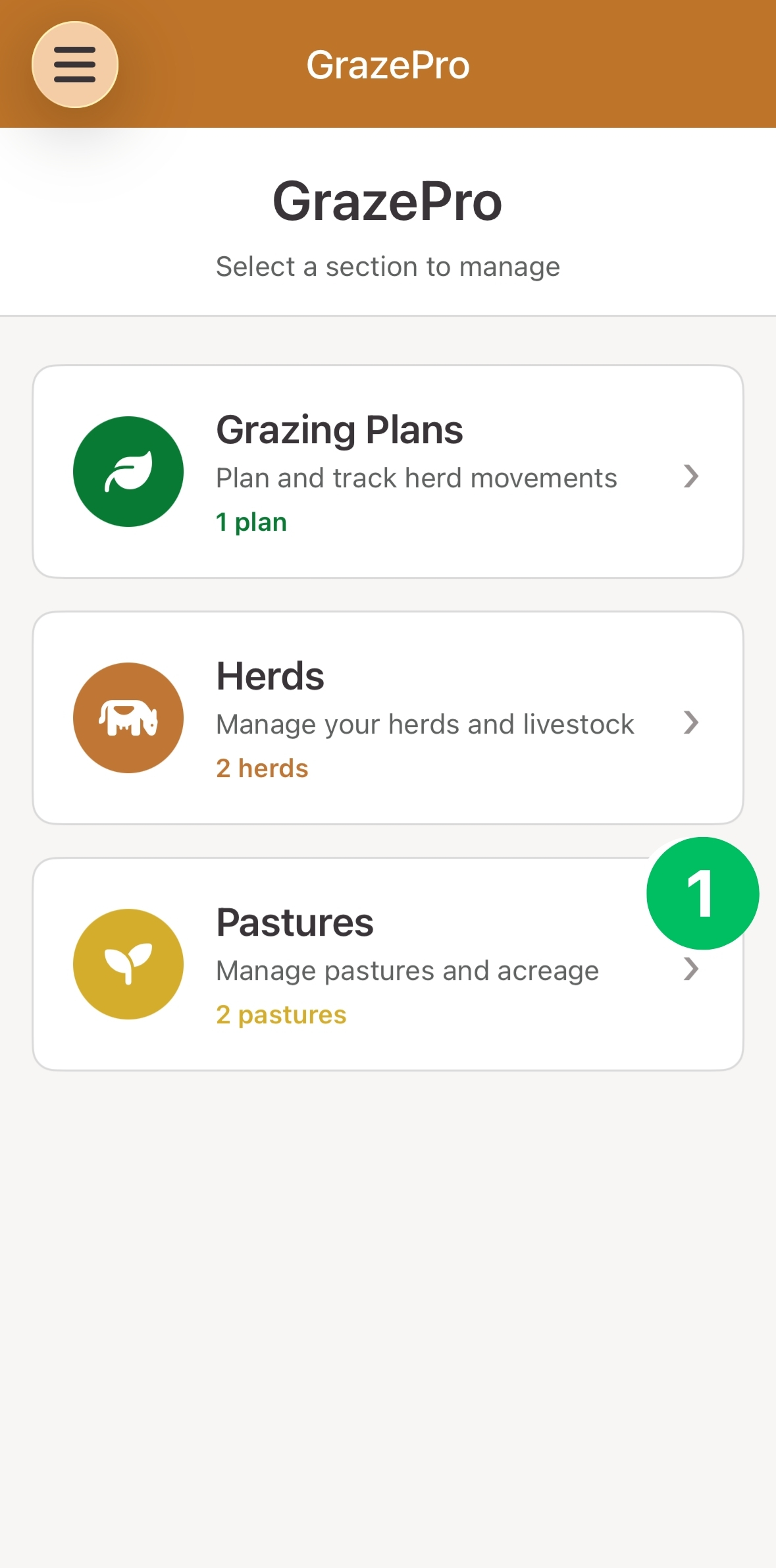
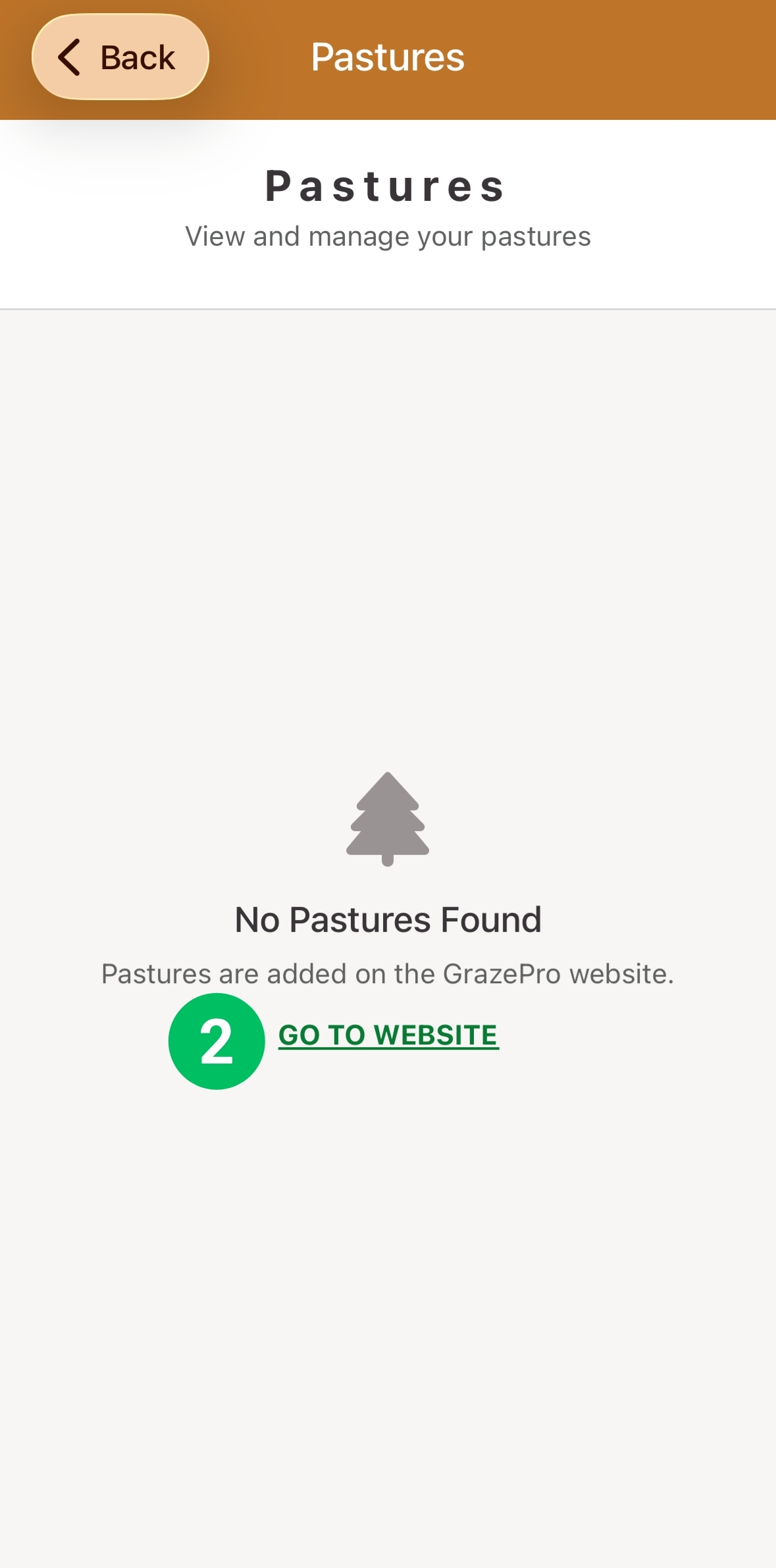
Edit pasture details
Step 1
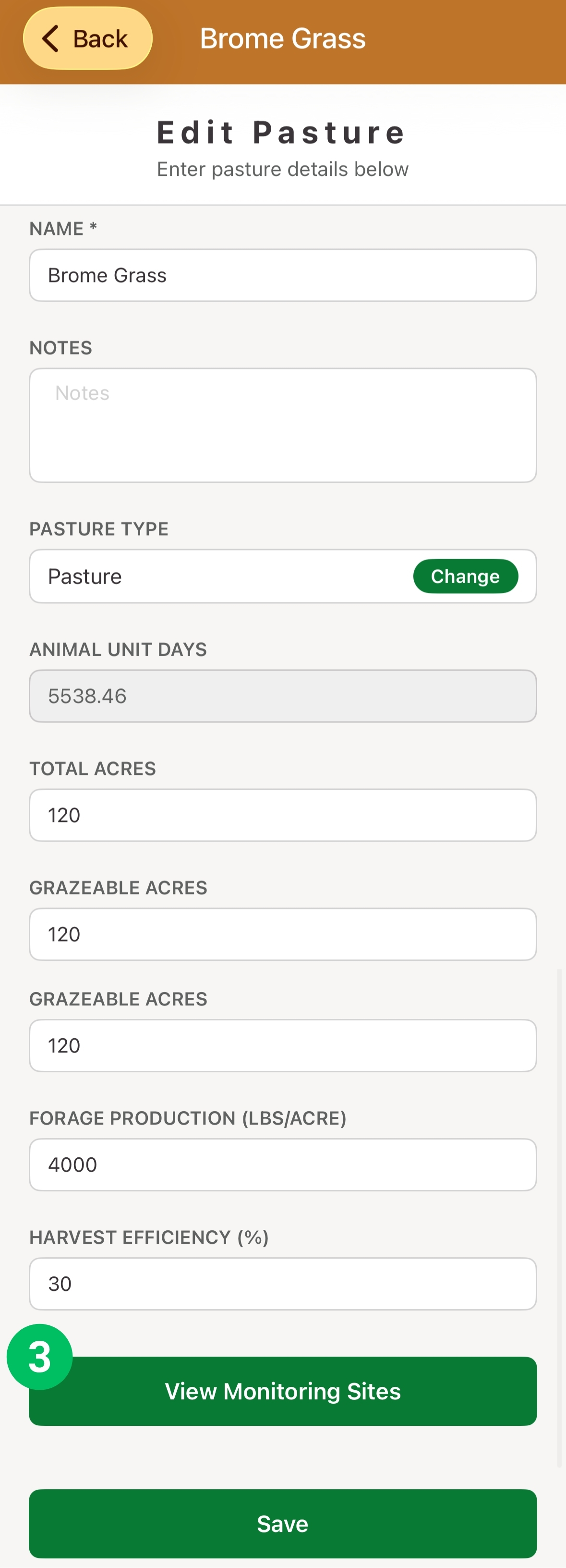
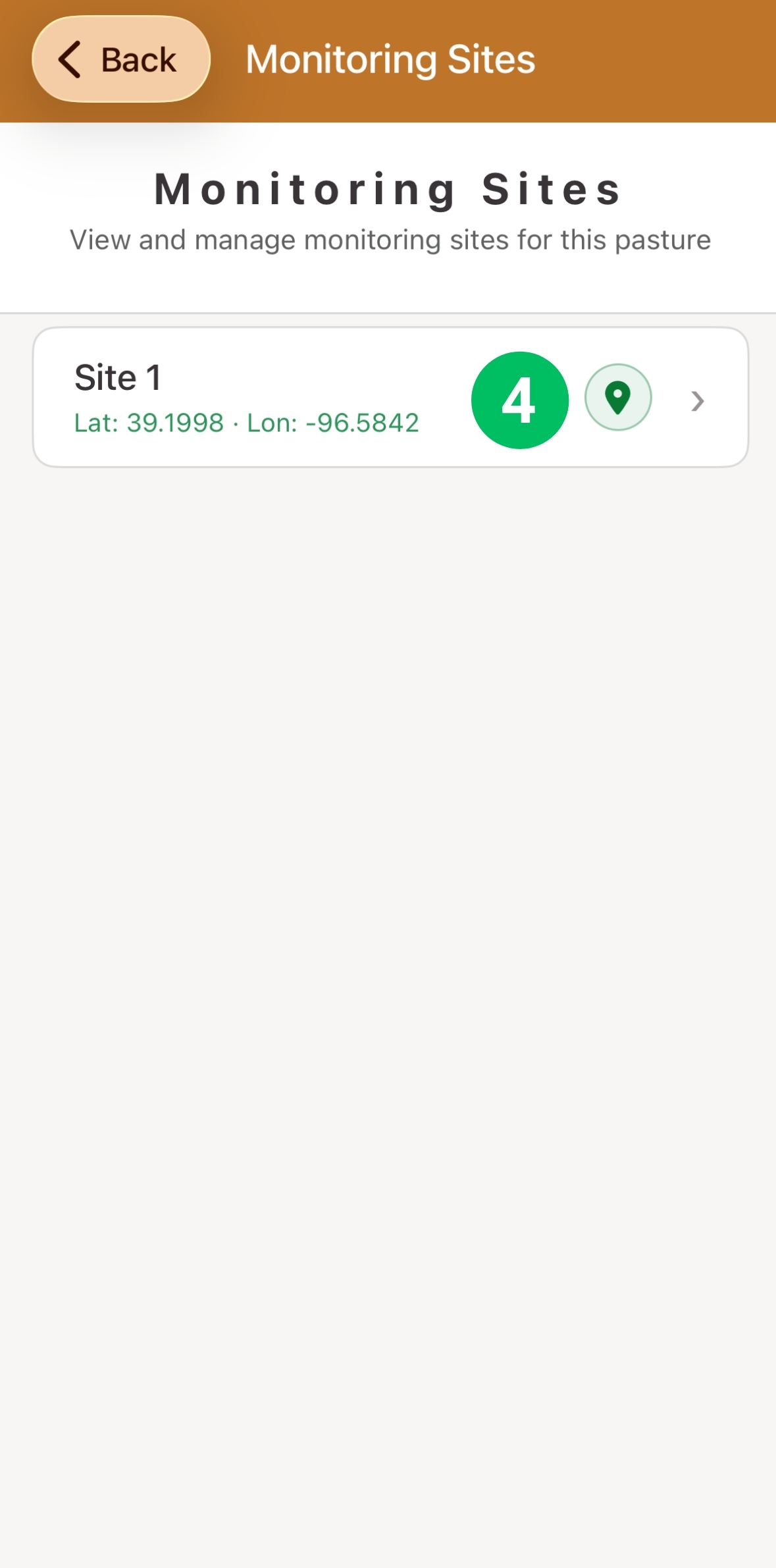
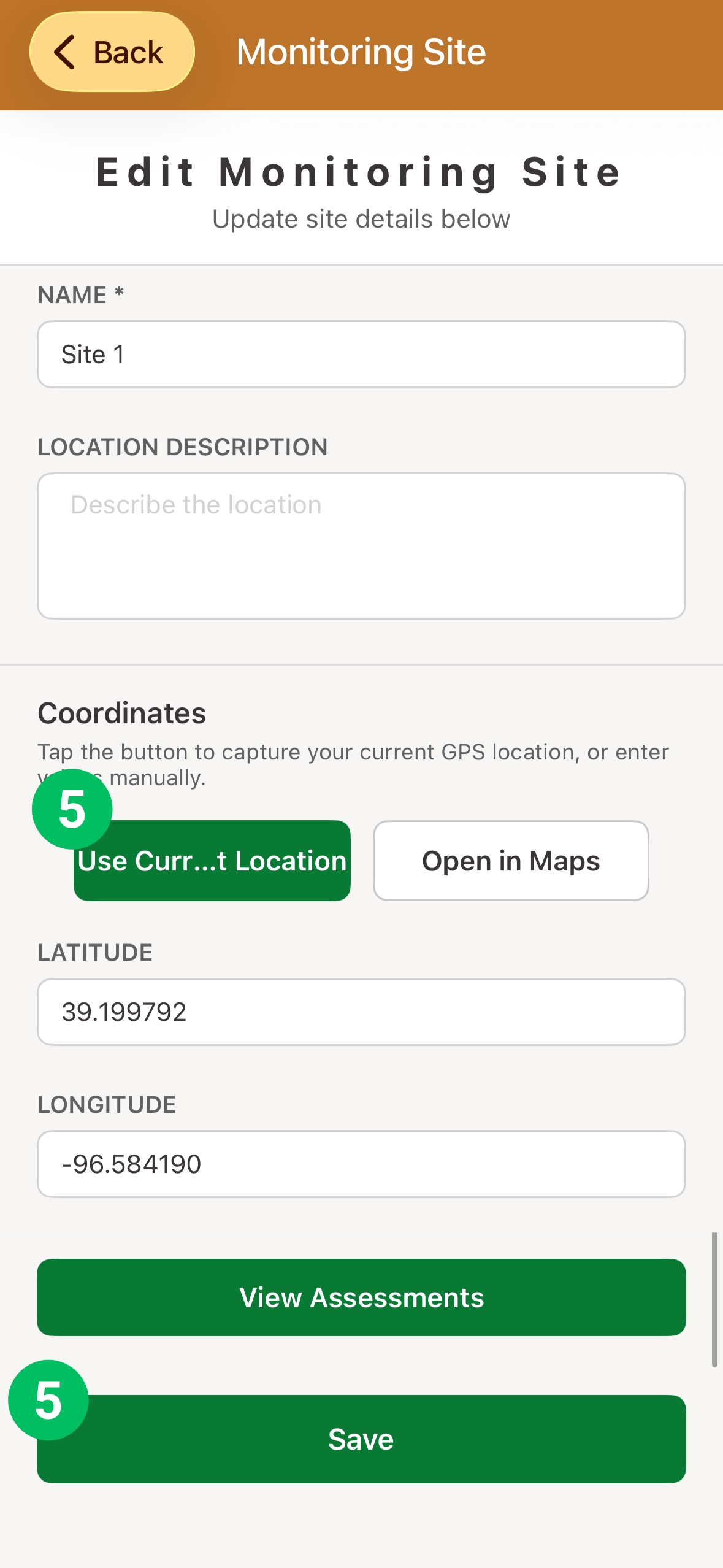
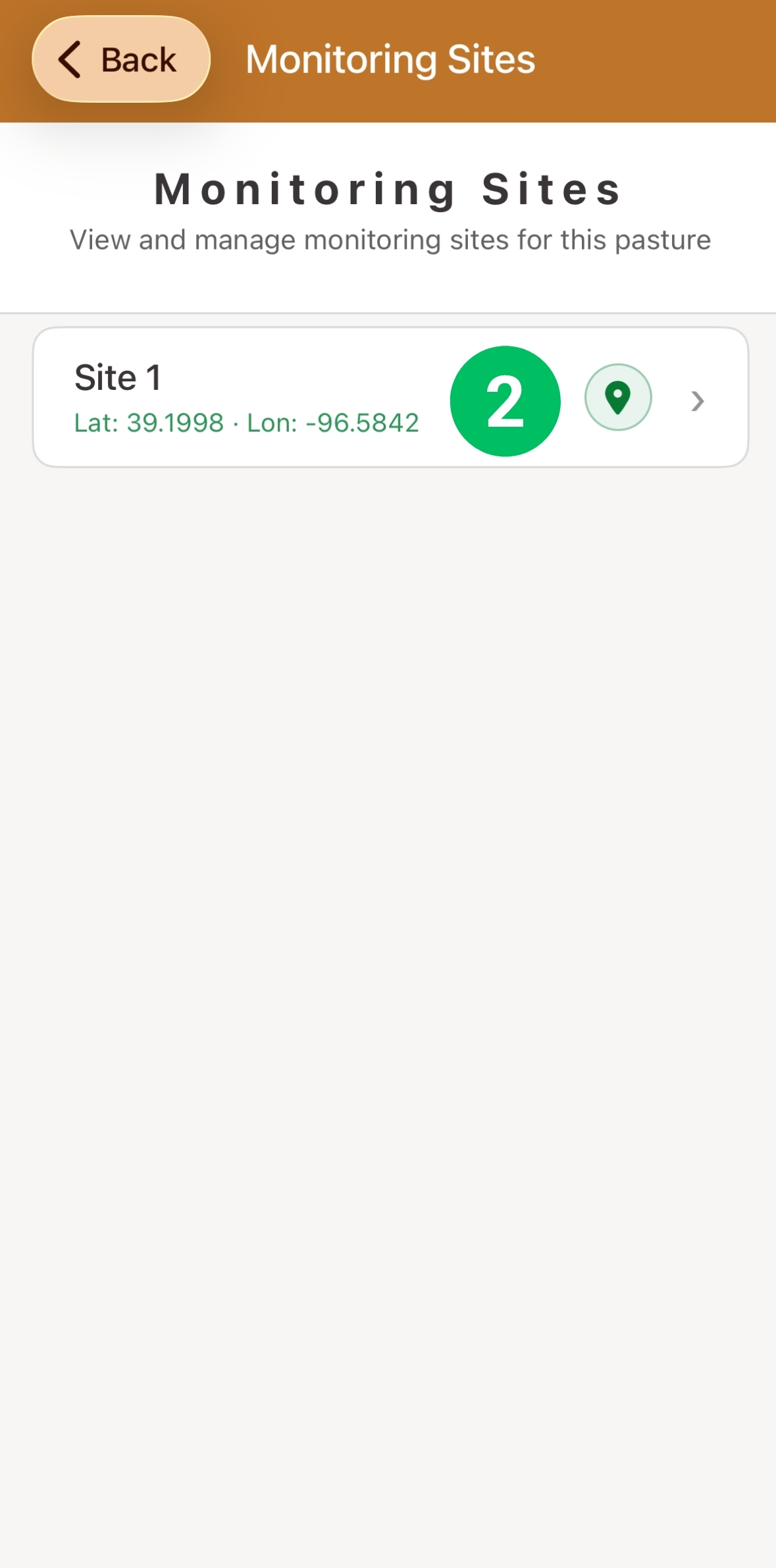
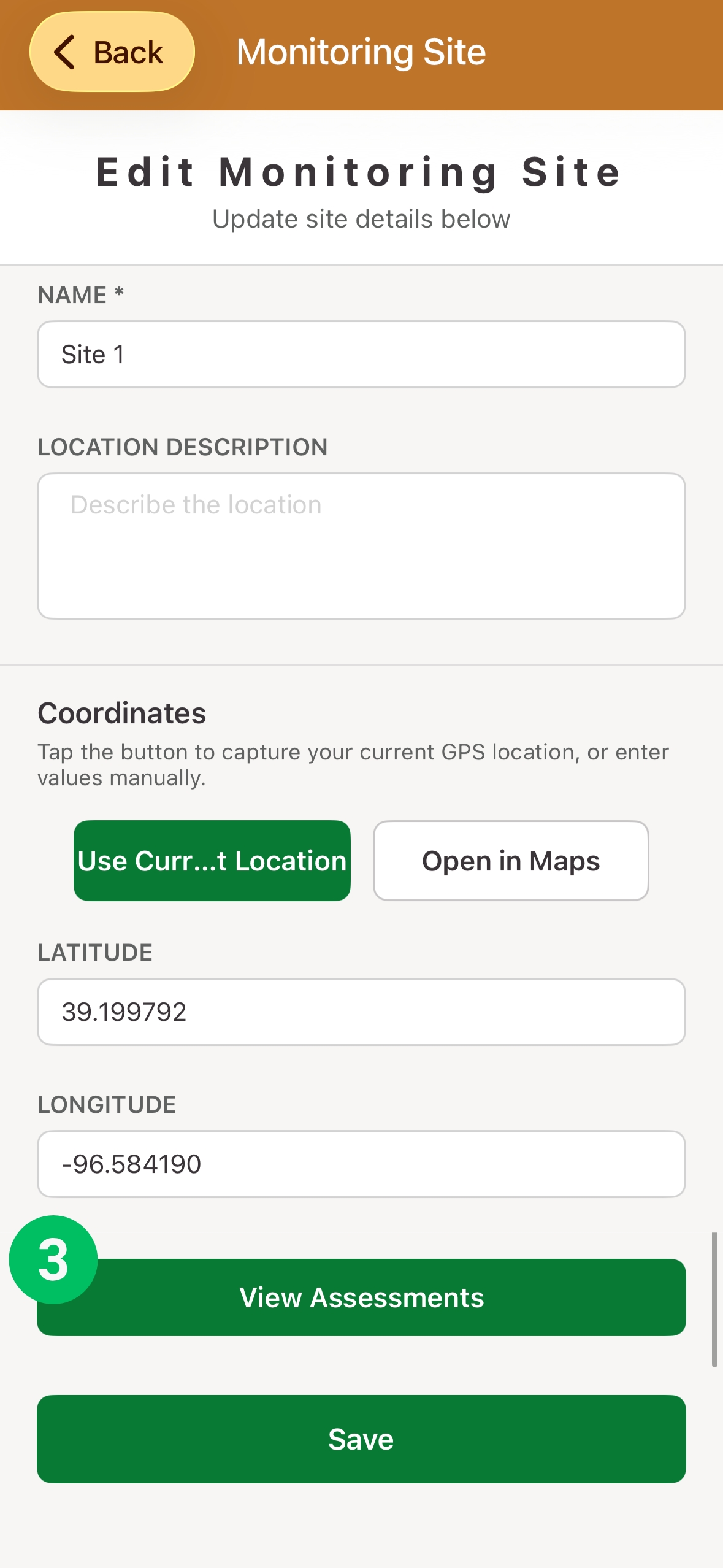
How can I edit monitoring sites in a pasture?
Setting up a location to collect data
Step 1
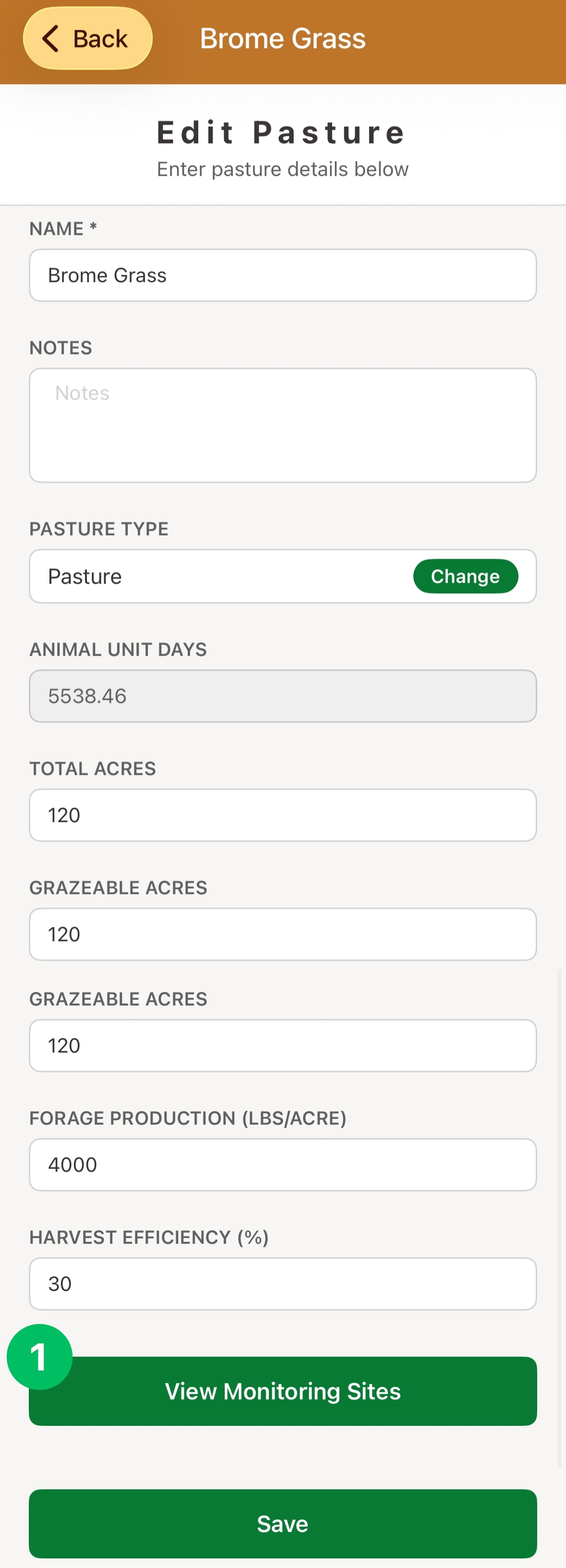
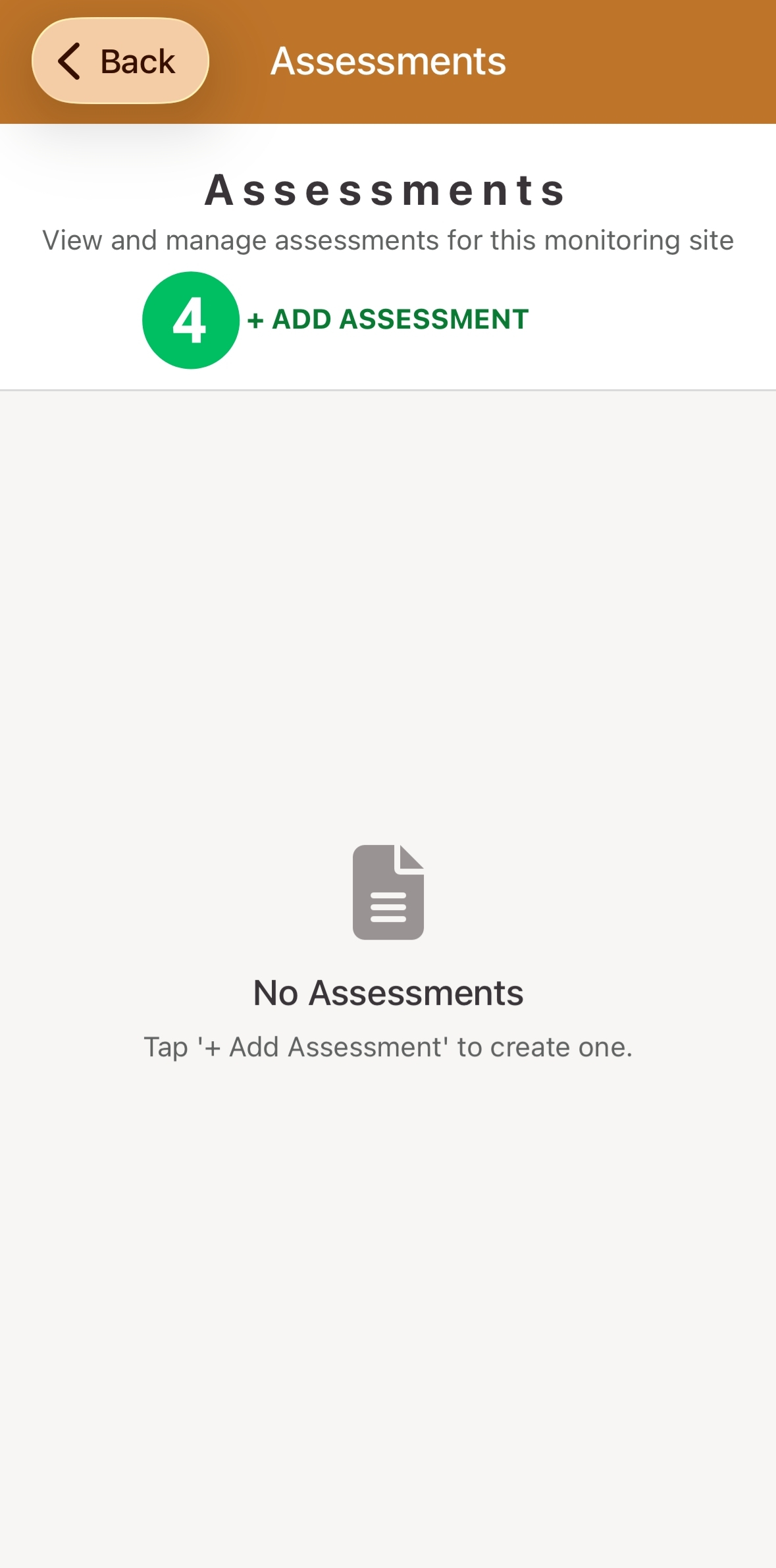
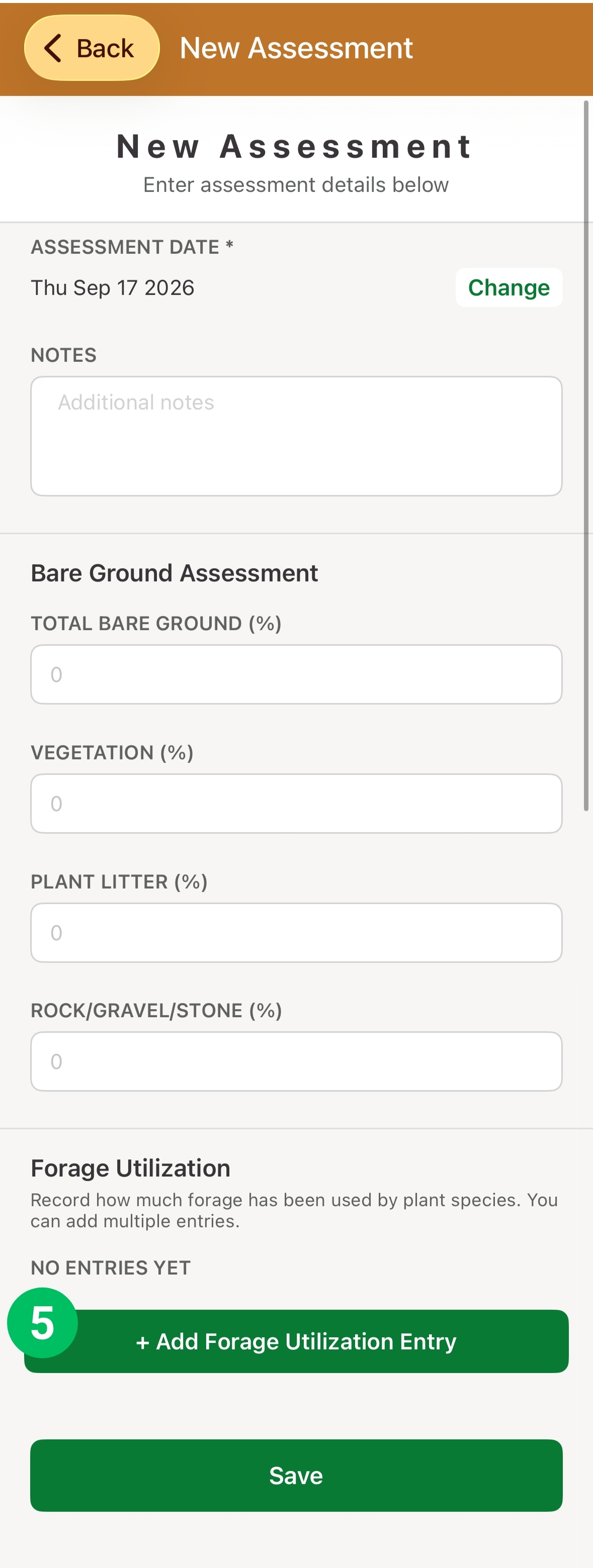
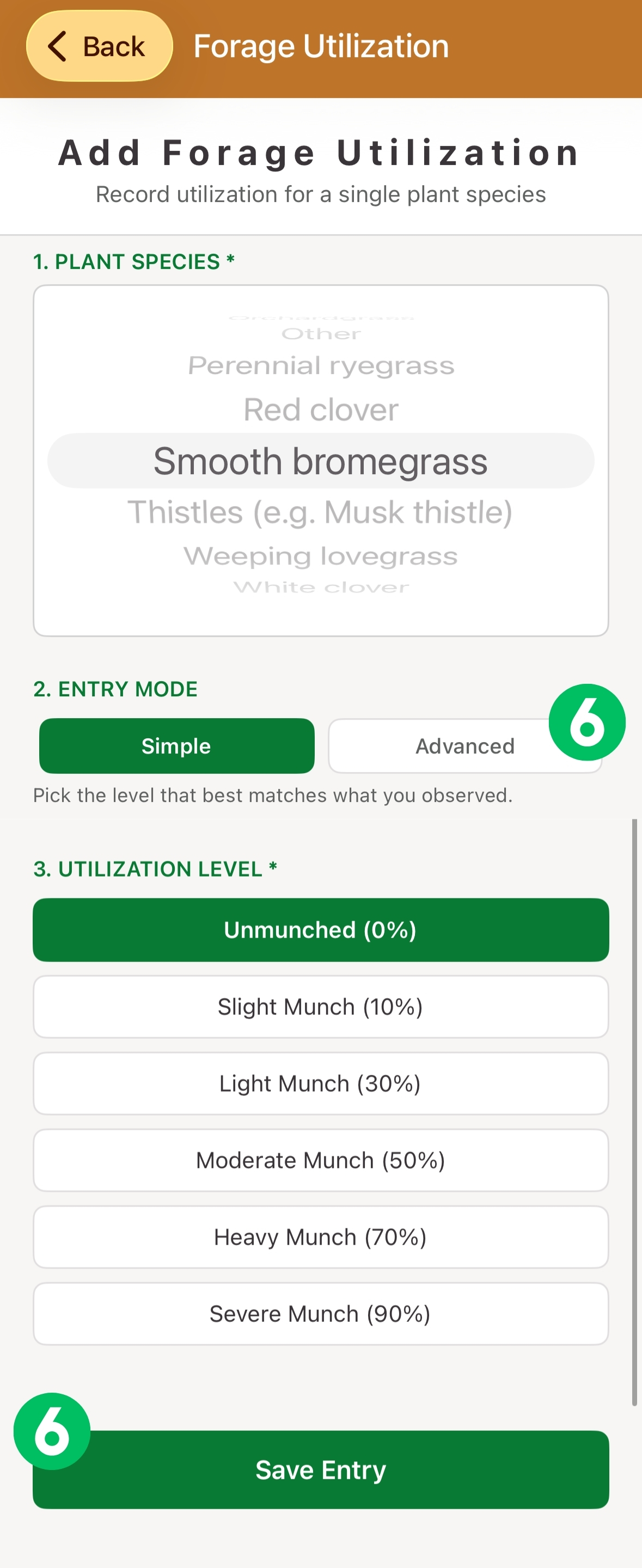
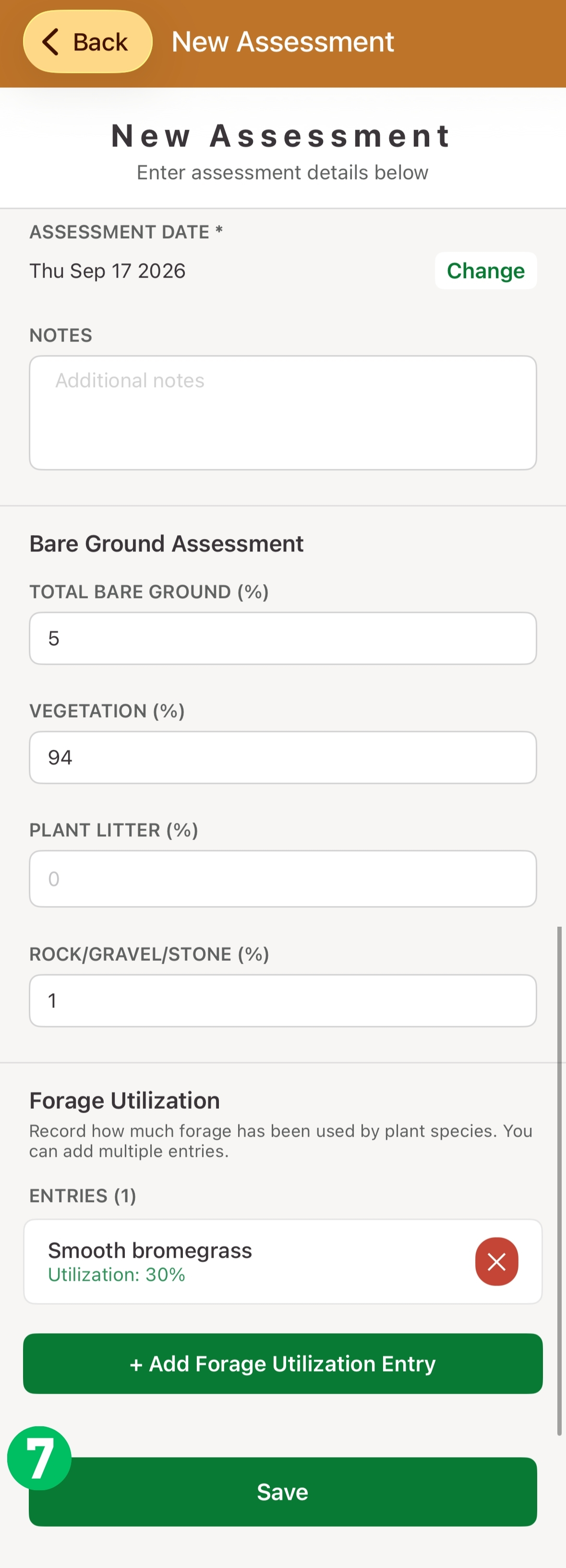
How do I add a monitoring site assessment?
Record grazing data within a pasture
Step 1
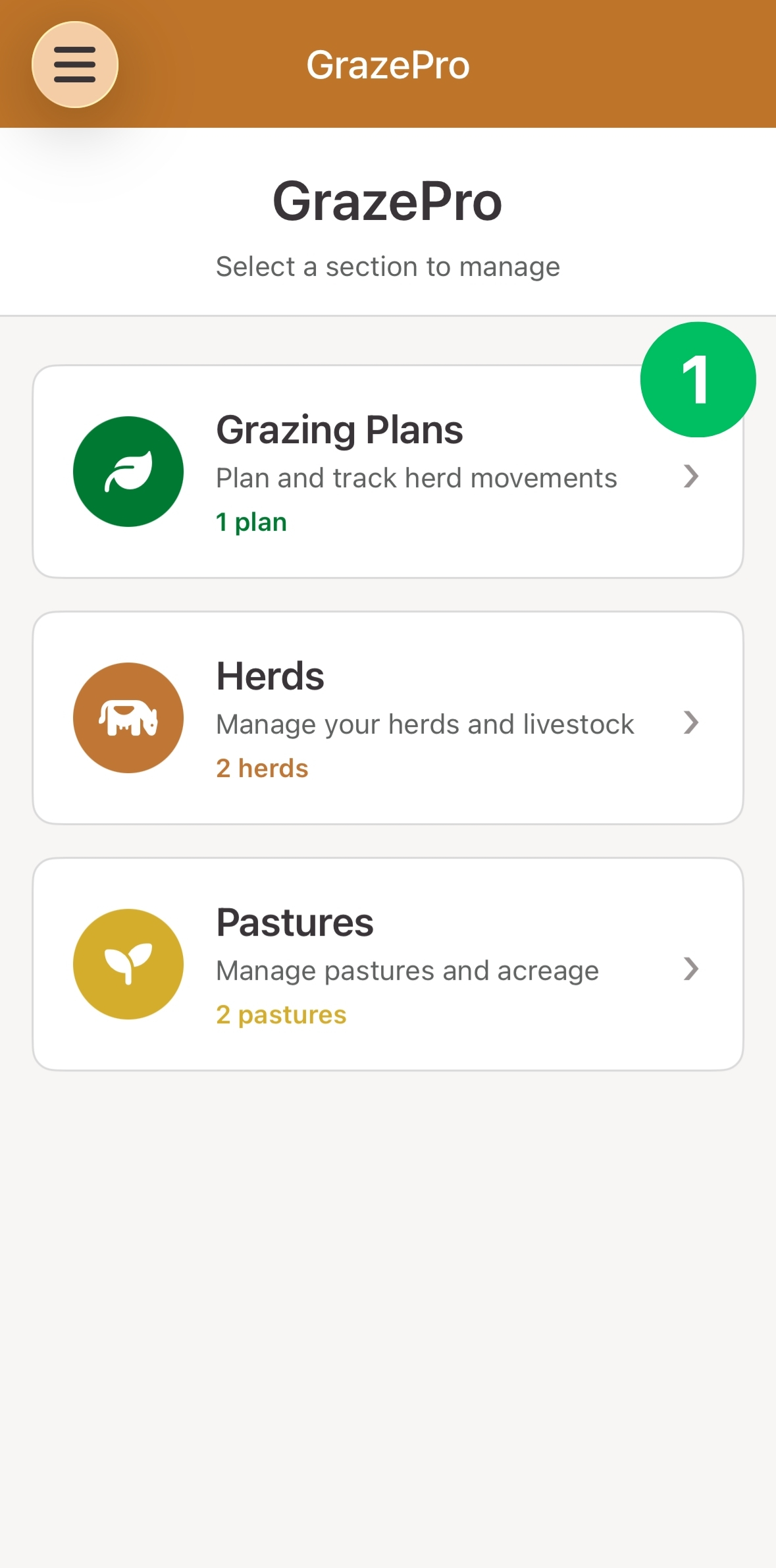
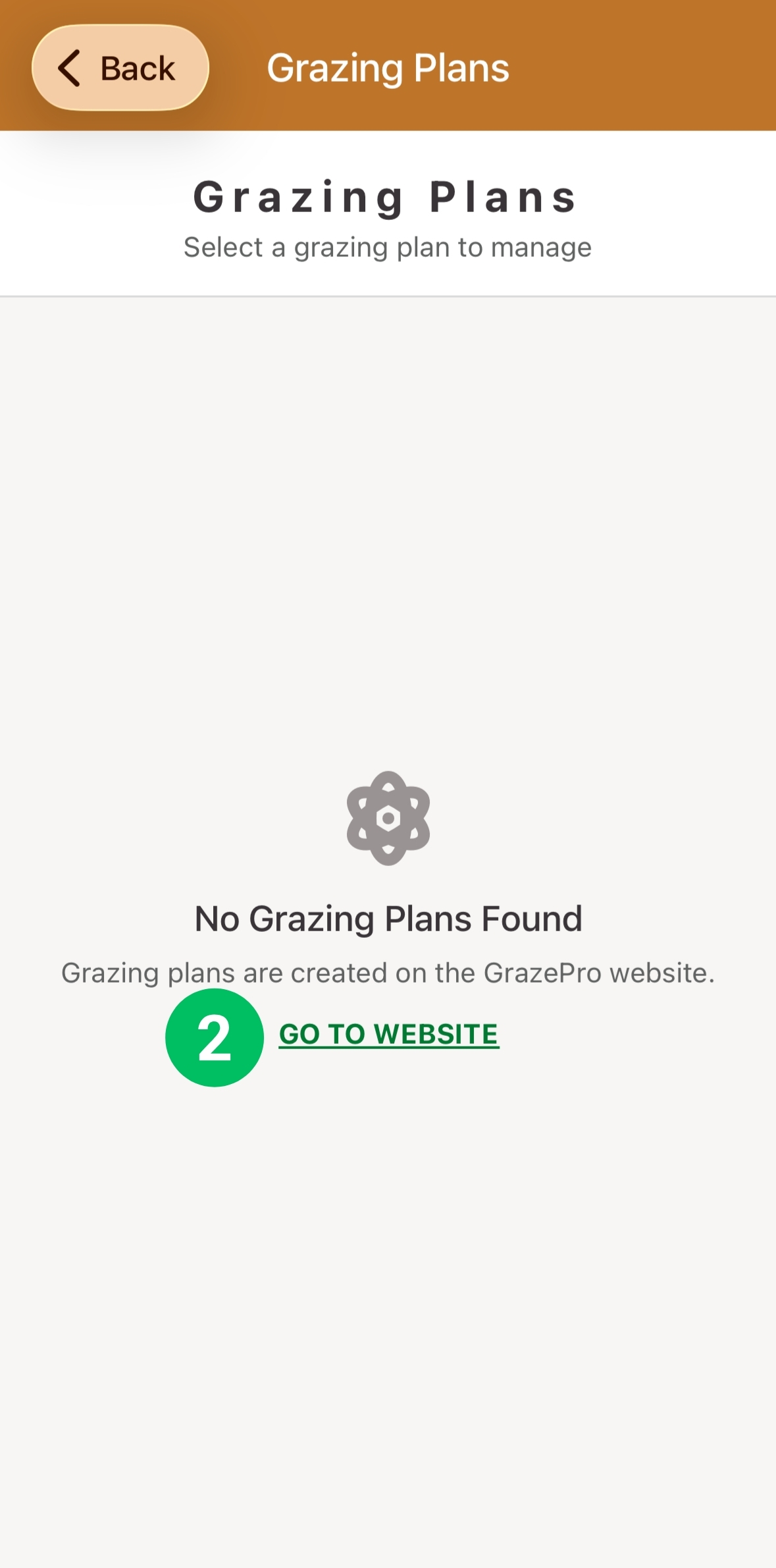
How can I review the planned details of my grazing plan?
Reviewing planned moves
Step 1
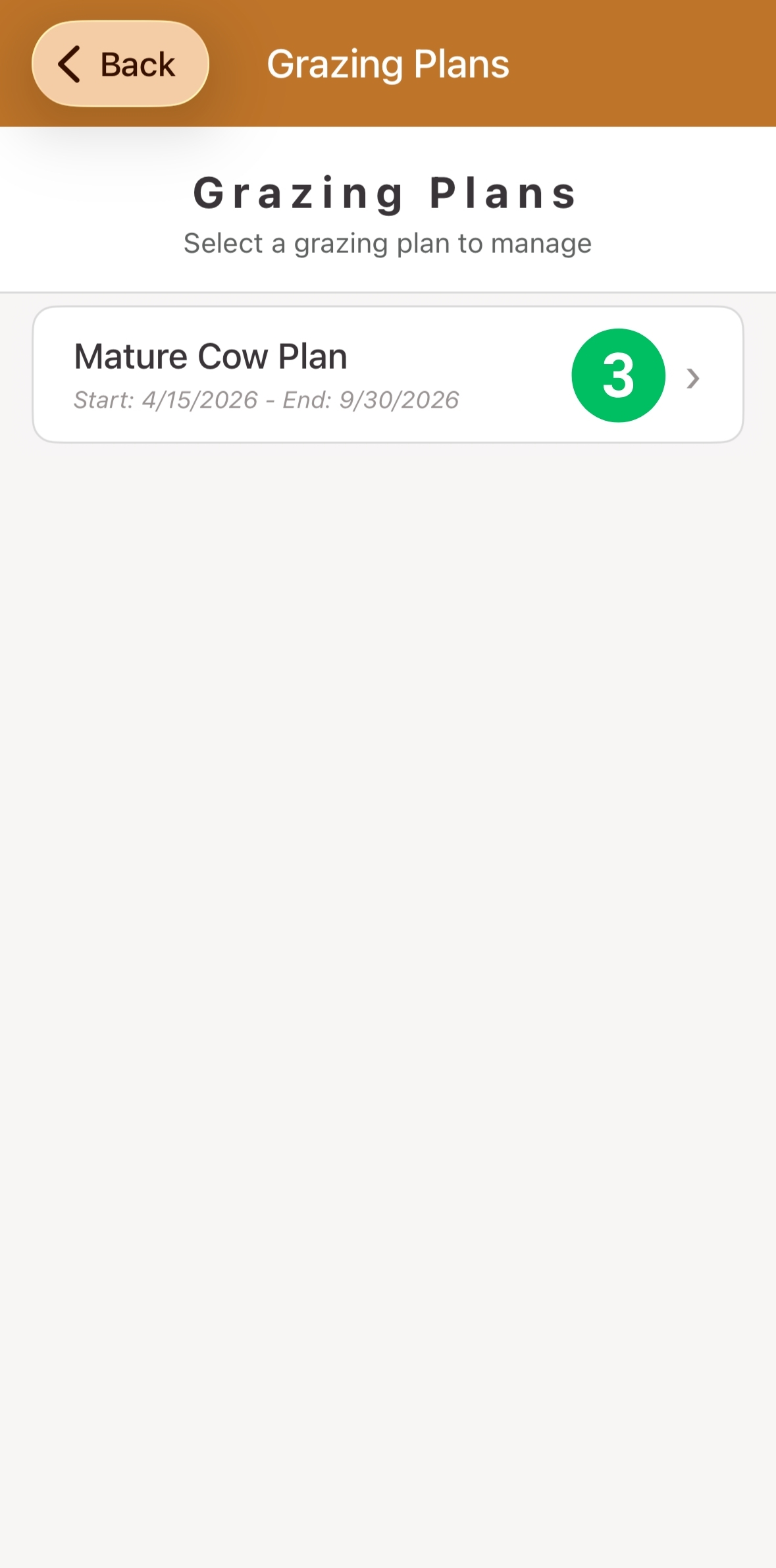
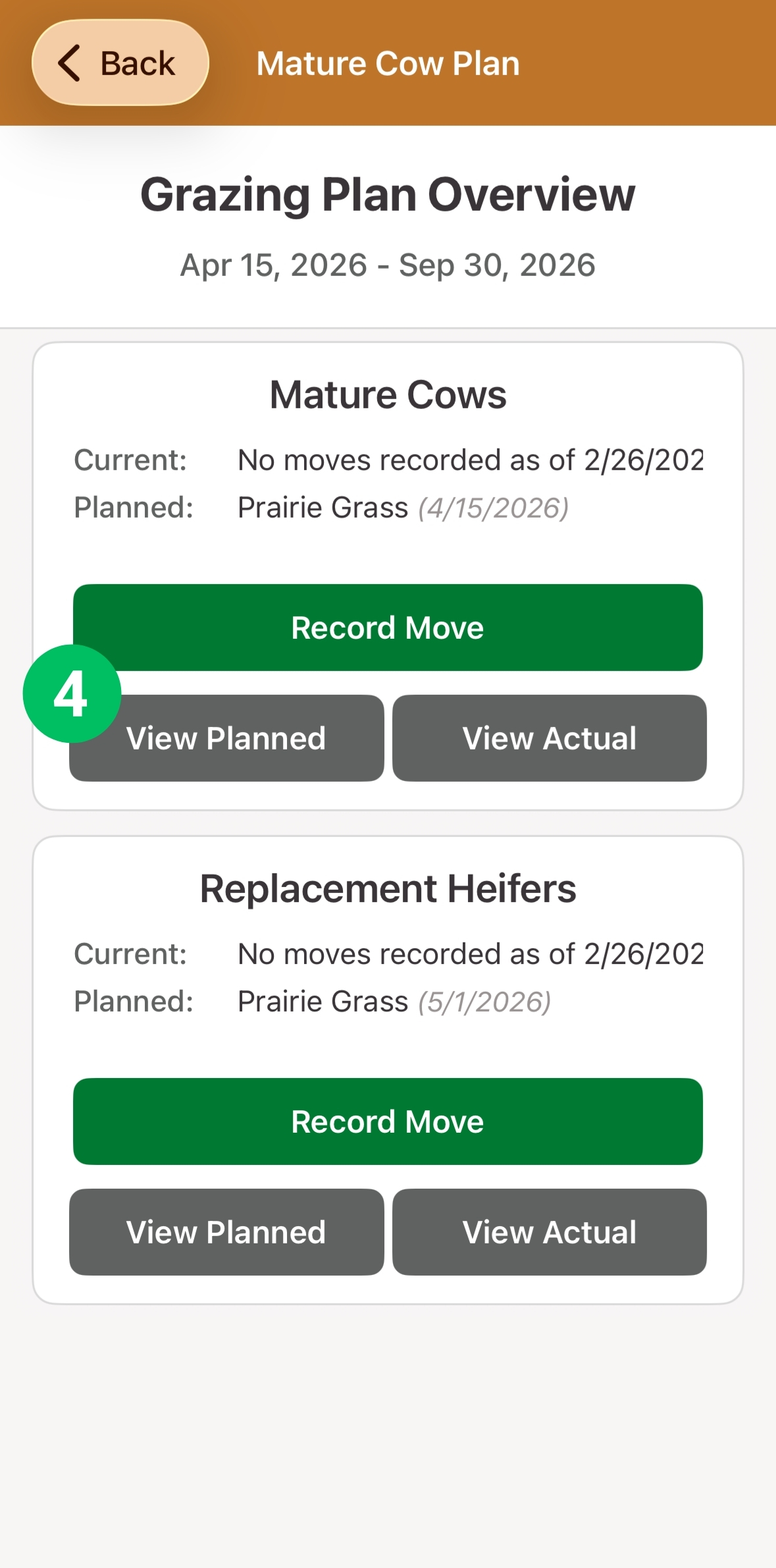
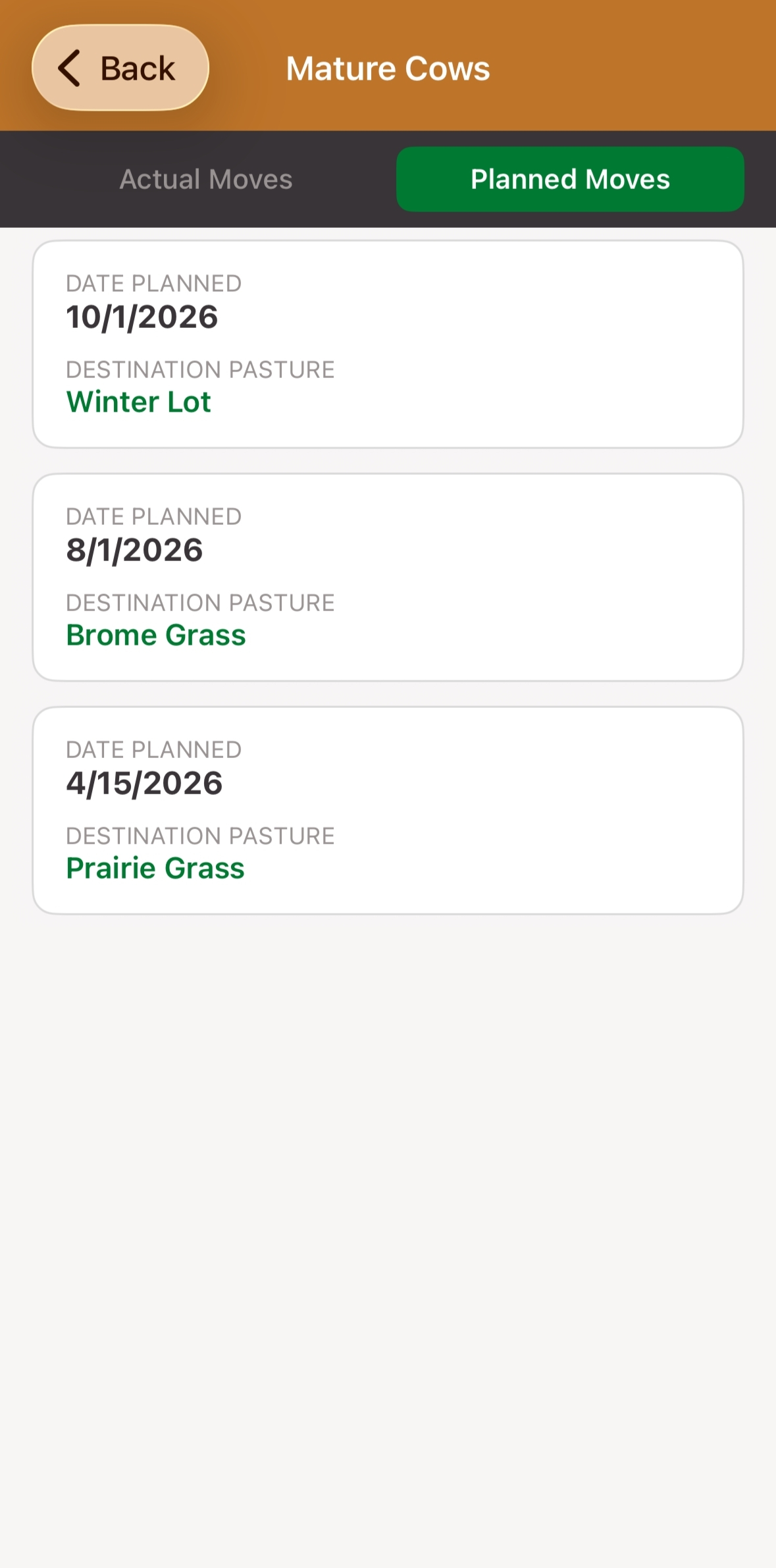
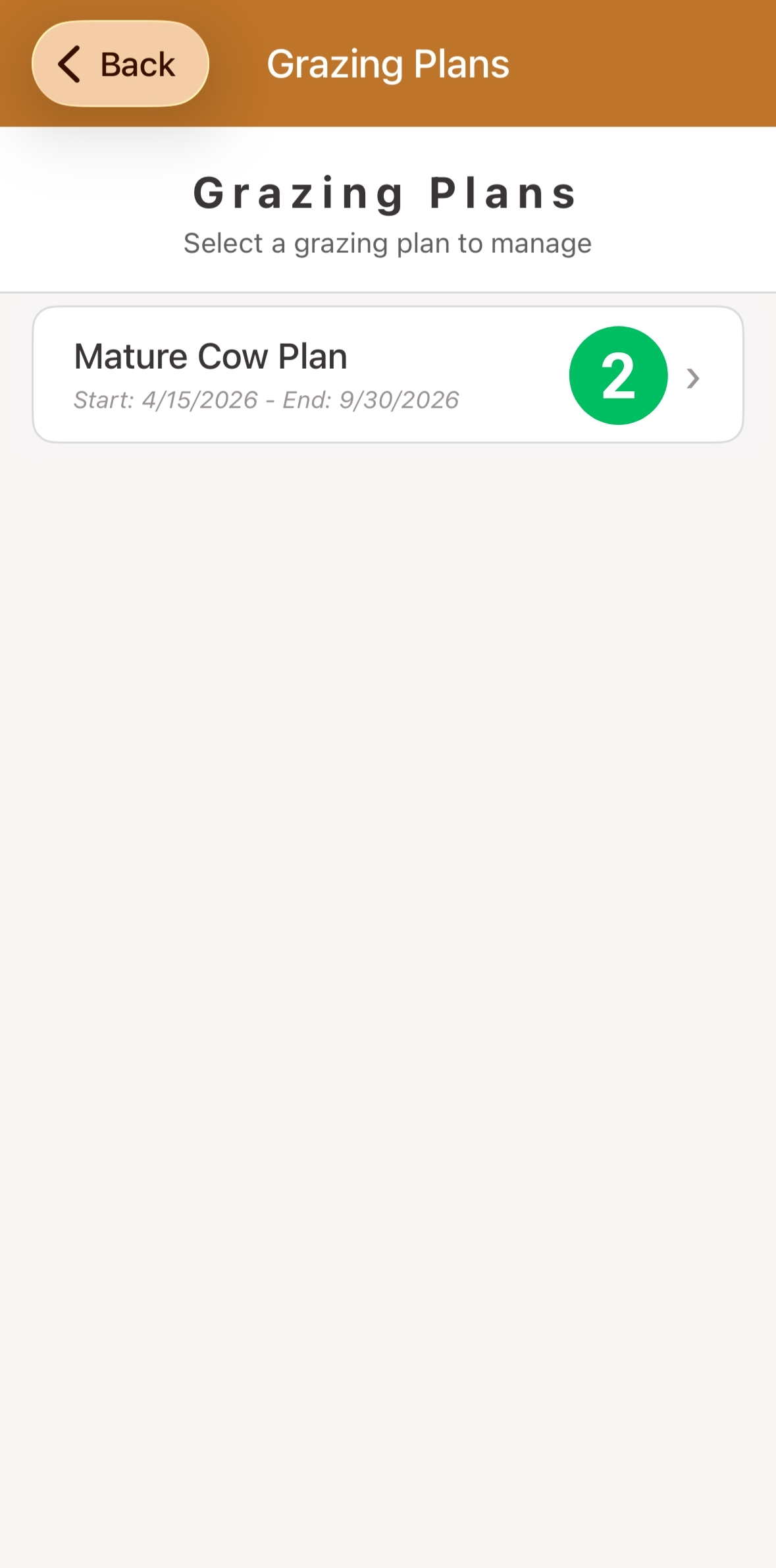
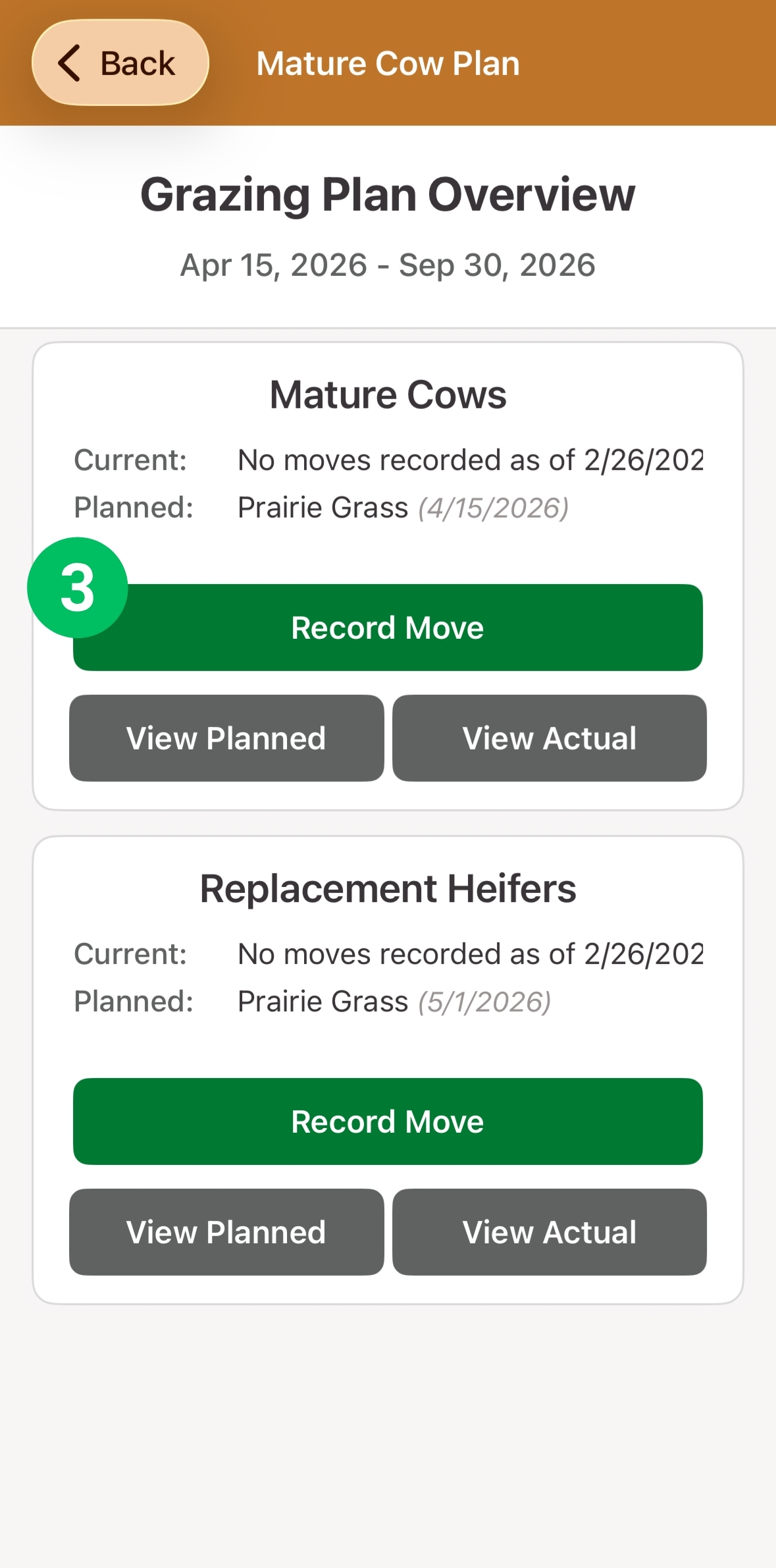
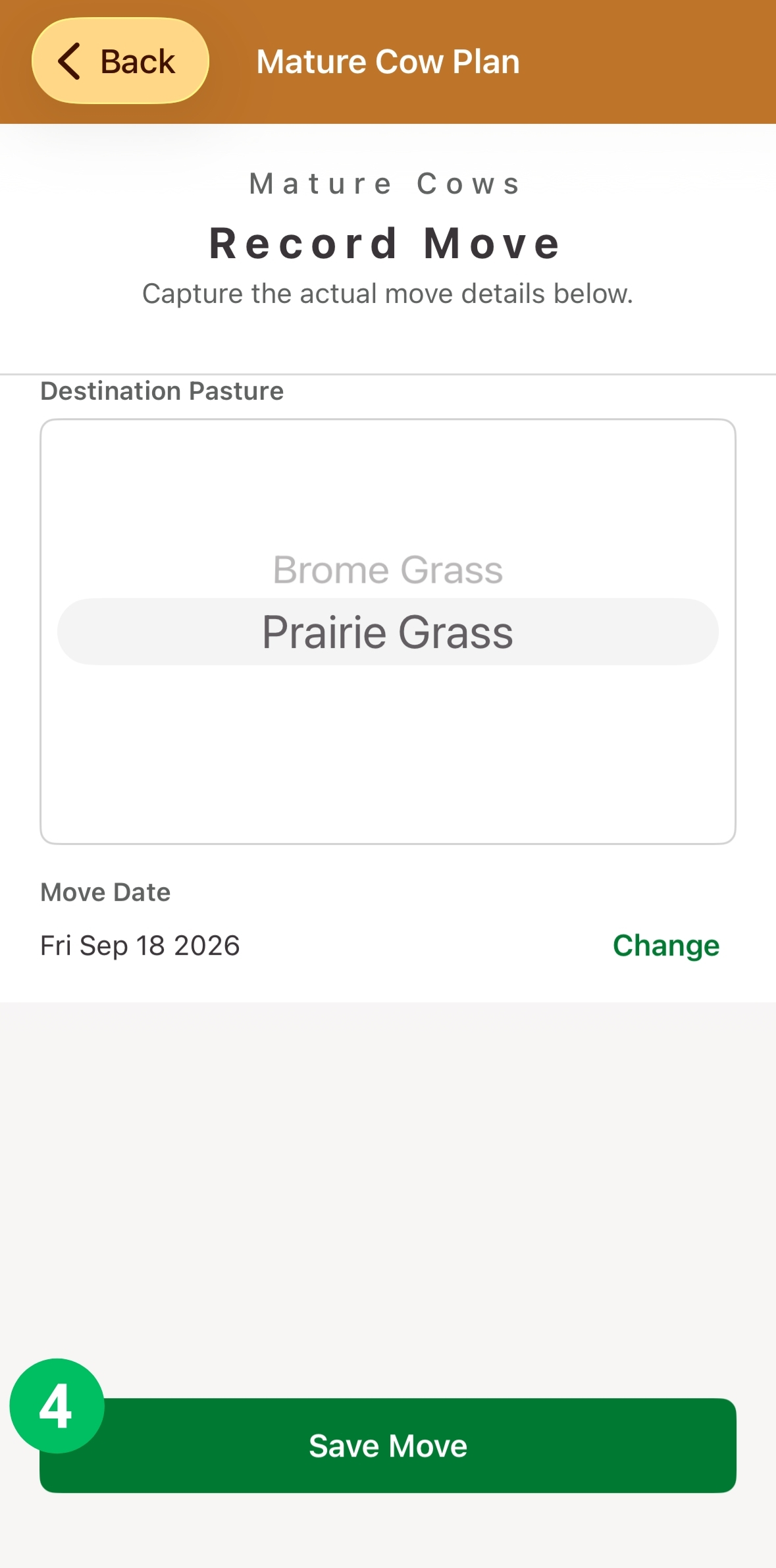
How do record a herd move?
Recording the actual date
Step 1
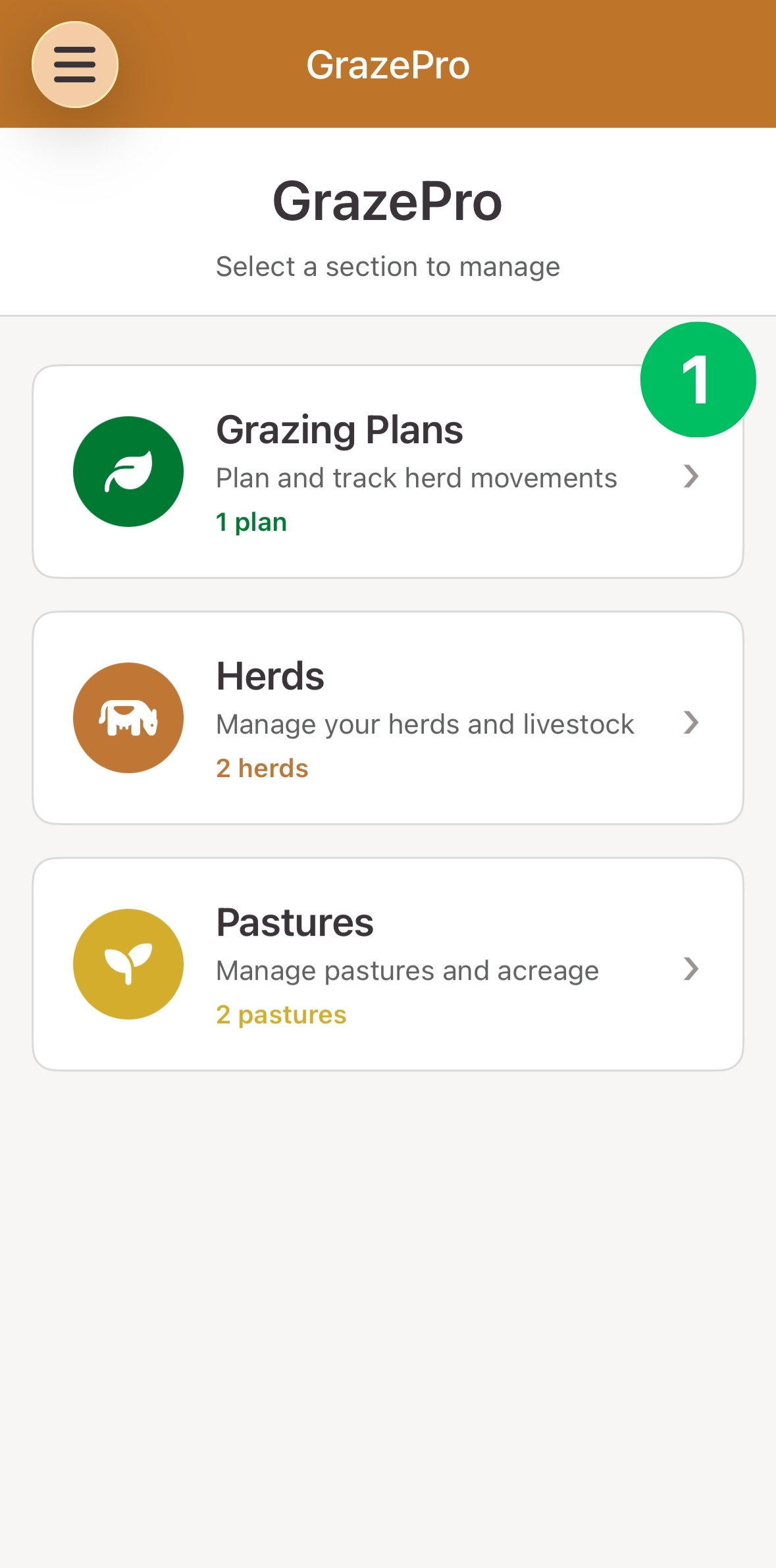
How can I view and edit herd movements?
Undoing a recorded move
Step 1